
Programming
Email Signature Generator for Municipal Office
A single, consistent email signature for every employee at the municipal office: data from the intranet, switches for each element, a QR code with a business card, and export to HTML or PNG that works in Thunderbird and Outlook.
01/09/2026
At the office, every email signature looked different. Some had a coat of arms, others just text, and some had old phone numbers or no GDPR clause at all. Manually setting up signatures in Outlook and Thunderbird is a task nobody enjoys.
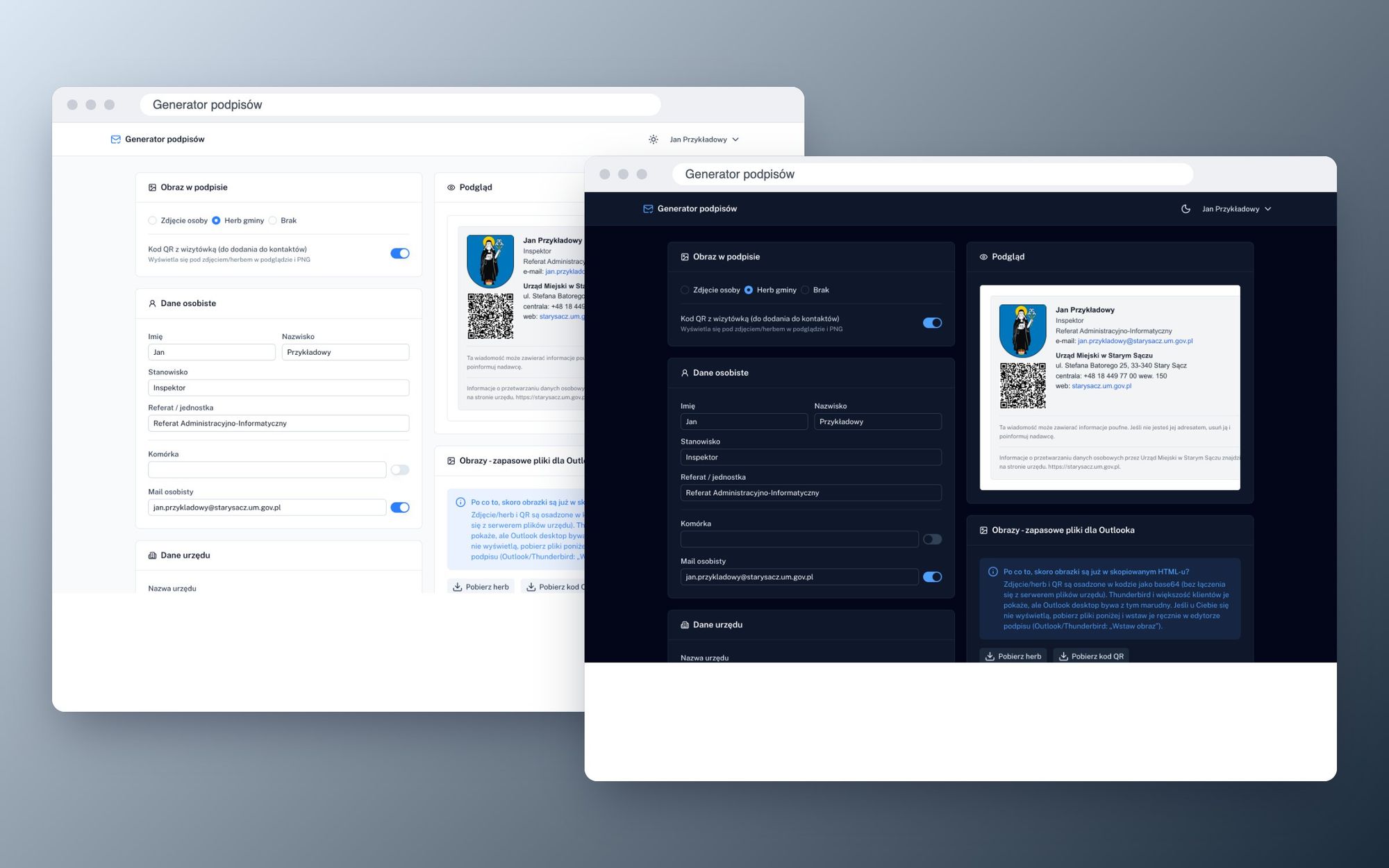
I built a simple generator: an employee logs in with their intranet account and the form fills in their details automatically. All you need to do is check what should appear and copy the ready-made signature block.
Data from one place
The generator doesn't have its own database. It reads everything from the intranet on Directus:
- name, surname, position, and department from the employee's records,
- the office's details such as name, address, switchboard number, website, ePUAP and e-Doręczenia from a single settings entry maintained by the administrator,
- referat data only to fill in the gaps where global settings are missing,
- the content of the confidentiality clause and GDPR, also from settings, so changing regulations means an update in just one place.
The ready signature is saved in a separate collection in Directus, along with the settings. When logging in again, the employee returns to their version.
Everything Toggleable and Togglable
Each footer element has its own switch:
- a person's photo, the municipal coat of arms or no image at all,
- QR code with a vCard business card that, when scanned, adds the contact to your phone
- mobile phone number, internal line, fax, personal email and central email, website URL,
- ePUAP box address and the address for e-Deliveries,
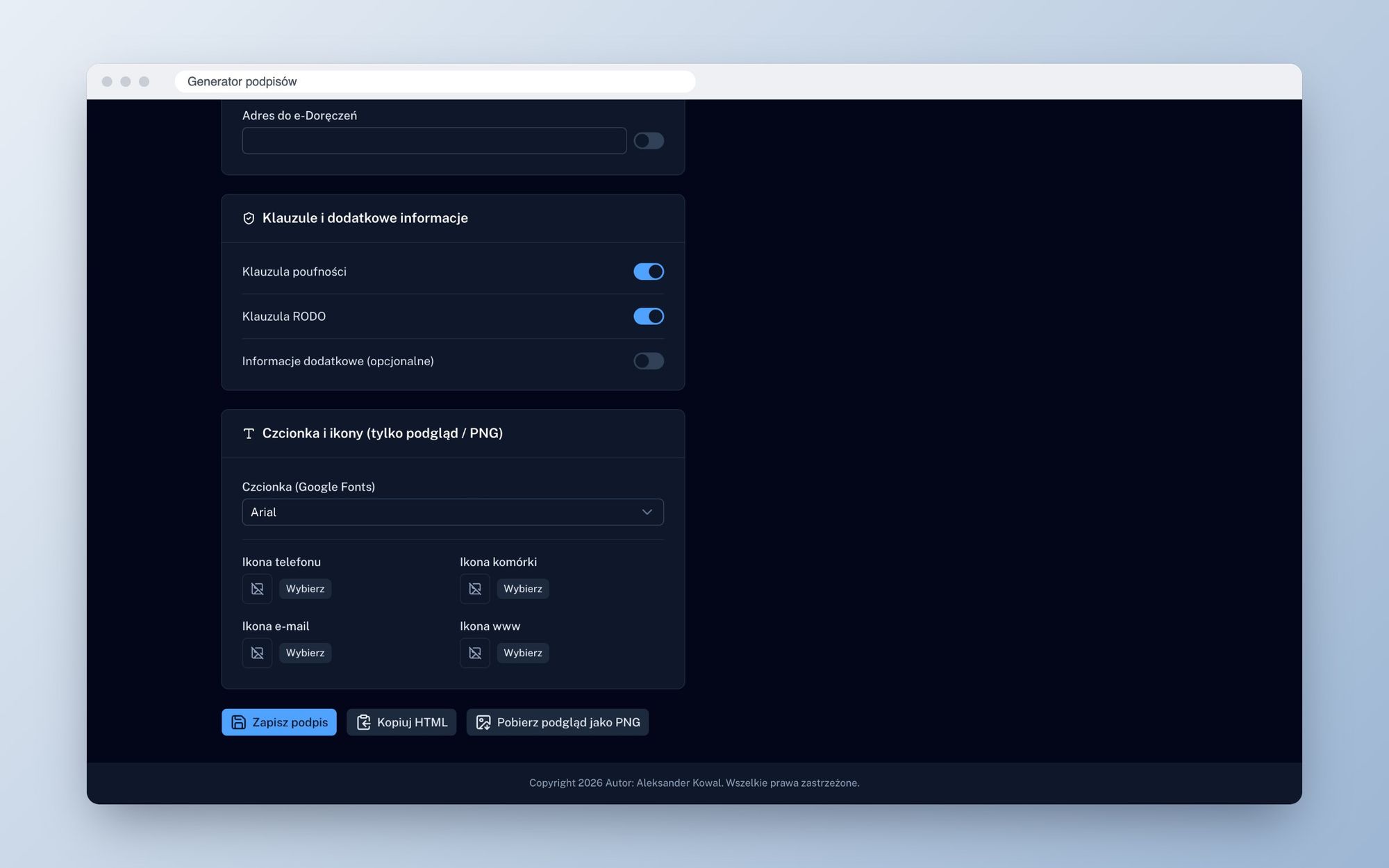
- confidentiality clause, GDPR clause and additional information such as crisis contact details,
- Google Fonts font and icons next to contact details.
Changes are immediately visible in the preview next to the form.
A signature that works in every email client
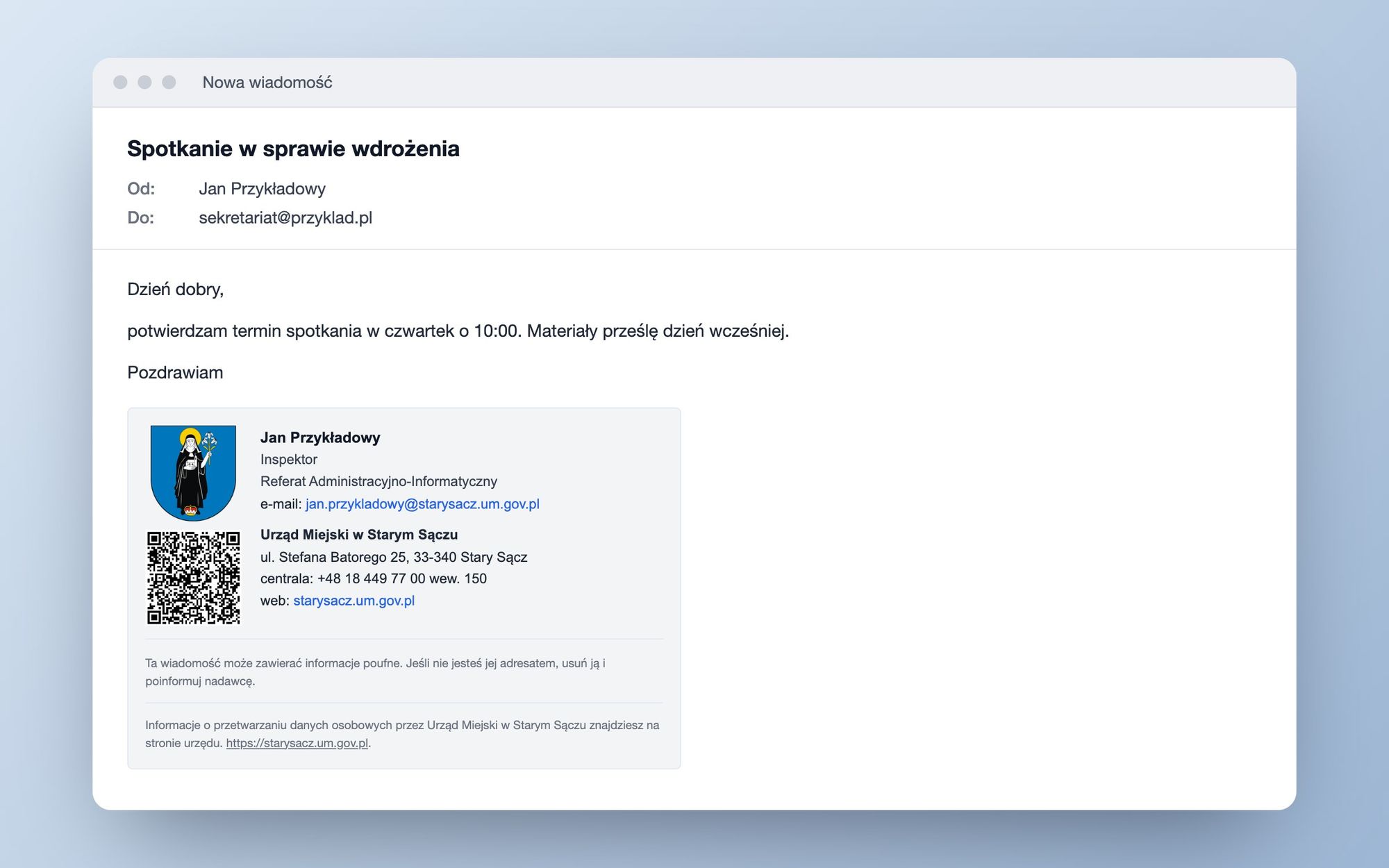
The most work didn't go into the form itself but rather into the HTML. Email clients are a separate world where half of modern CSS doesn't work. That's why the footer is tables and styles directly embedded in elements, like in newsletters.
Three options are available:
- HTML copied to clipboard, ready to paste in the email signature settings of Thunderbird, Outlook, or Mailspring
- PNG image of the entire email signature in double resolution,
- separate files for the coat of arms, photo, and QR code for Outlook, which can be finicky.
Images are embedded in HTML as base64. The footer doesn't link to the office's file server and looks the same for a recipient outside the office network. The exception is desktop Outlook, which can ignore such images. For this case, there are files for manual insertion with a short instruction next to the buttons.
Signing in with an Intranet account
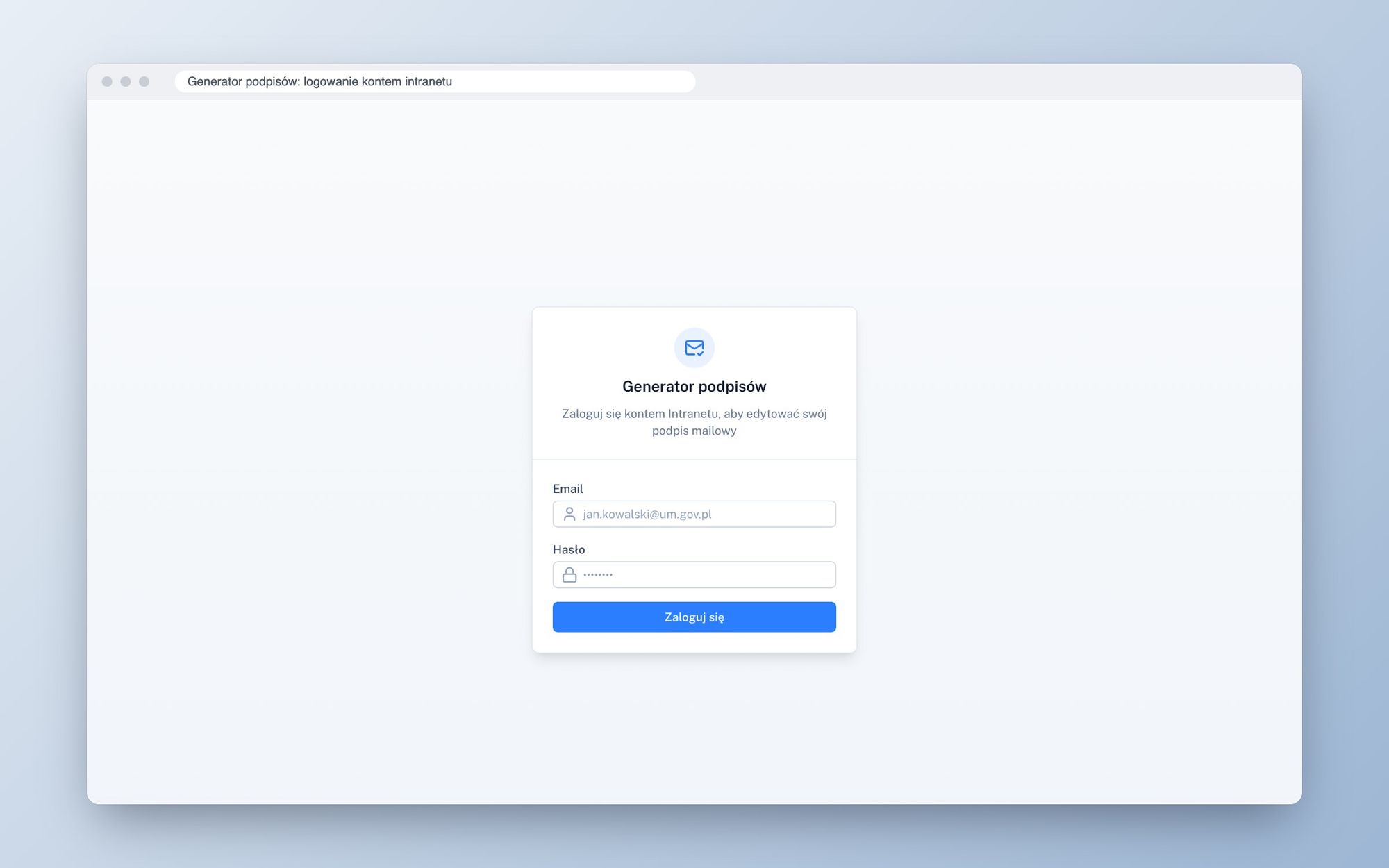
The application does not have its own accounts. An employee logs in with the same account as they would for the intranet, and the generator operates using their token and permissions within Directus. The administrative key is solely used for scripts and schema migrations, never for user management.
The tokens are stored in an HttpOnly cookie, and the application itself refreshes them. Images from Directus go through a proxy on the same domain. Directus doesn't send CORS headers for the files, so without this setup, it wouldn't be possible to convert the images to base64 or export the preview to PNG.
Stack
- Nuxt 4 and Nuxt UI, Tailwind v4, light and dark modes,
- Directus SDK, data and storage in the municipal office's intranet,
- html-to-image for exporting to PNG and qrcode for the vCard
- Lucide and Simple Icons icons by Iconify,
- Docker, deployment on the municipal office server.