
3D Projects
Remote 3D Printing: OctoPrint and Camera Mount for the Anycubic i3 Mega
A 3D printer in the basement with remote control and live preview via browser: OctoPrint, a plug-in for Cura, mjpg-streamer, and a custom 3D-printed camera mount for the Tracer HD720P camera.
03/10/2019
I have a larger machine in the plans: a CNC for cutting, engraving, and laser burning. To make space for it, I had to move the 3D printer somewhere it won't be in the way.
The printer is quite noisy and prints often last for several hours. The basement was chosen as the location, which brings up a new issue - you shouldn't leave the printer unattended.
Why a printer needs supervision
- the model may detach from the build plate and instead of a print, you'll end up with a tangled mess of filament
- can overheat,
- there have been instances of the printer catching fire.
The plan was simple, the execution a bit more challenging.
OctoPrint instead of running with an SD card
My printer, the Anycubic i3 Mega, prints from a memory card. It can also print from USB, but with a longer cable it doesn't always work reliably. The solution is OctoPrint, which is a web-based control panel for the printer.
For this, you need a computer or a microcomputer like Raspberry Pi. I have a media server in my basement running Linux, which is perfect for the job. The installation is straightforward, and the result looks like this:
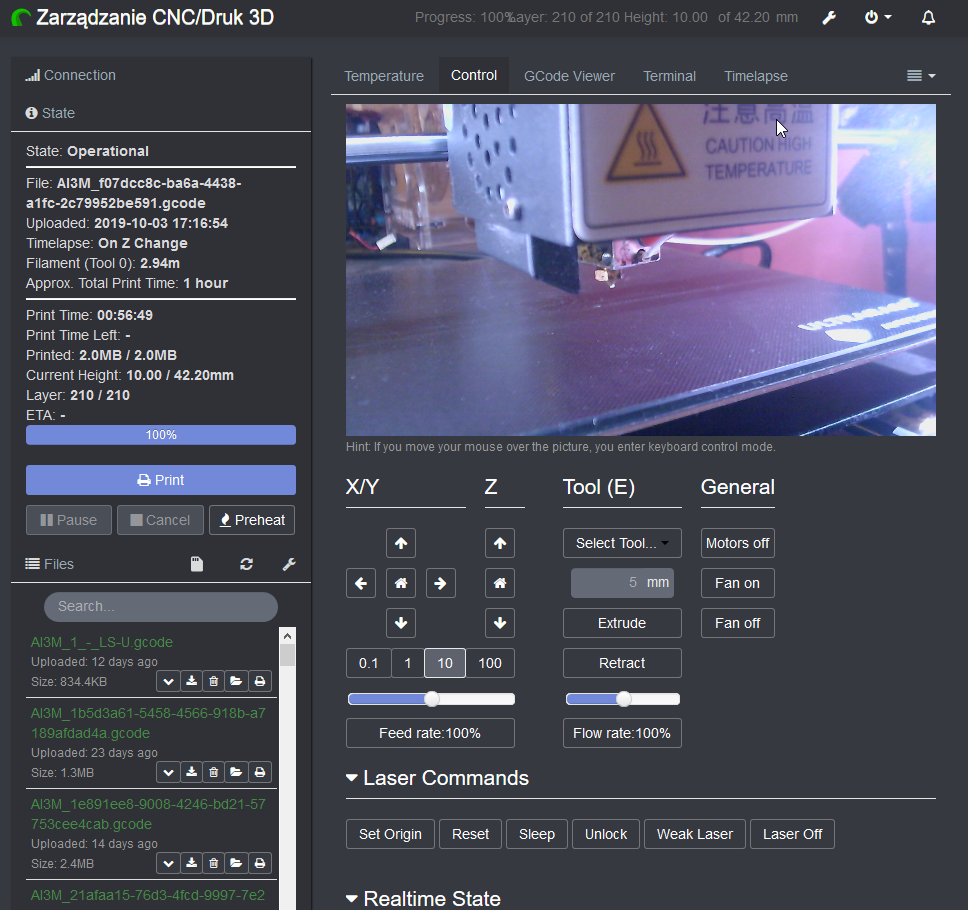
OctoPrint has a ton of plugins available. After installing the plugin for Ultimaker Cura, the software that prepares models for printing, I can send prints over the network straight to the printer. It's almost as simple as printing on paper. The only thing to remember is to calibrate the bed.
Camera preview
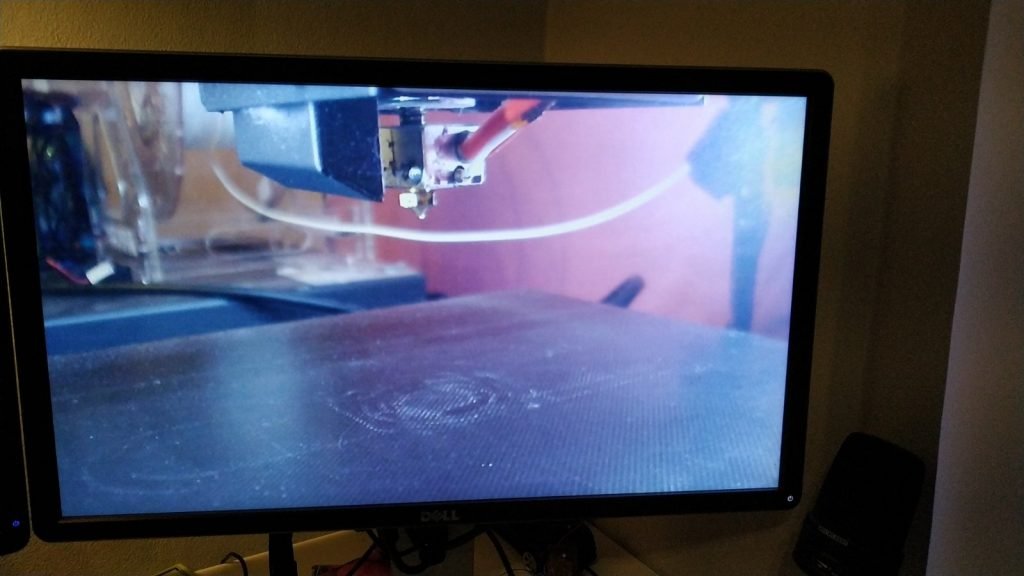
The final piece was missing - a view of what the printer is doing. A simple USB webcam and the mjpg-streamer package, which sends video to the OctoPrint dashboard, came to the rescue.
Camera Mount
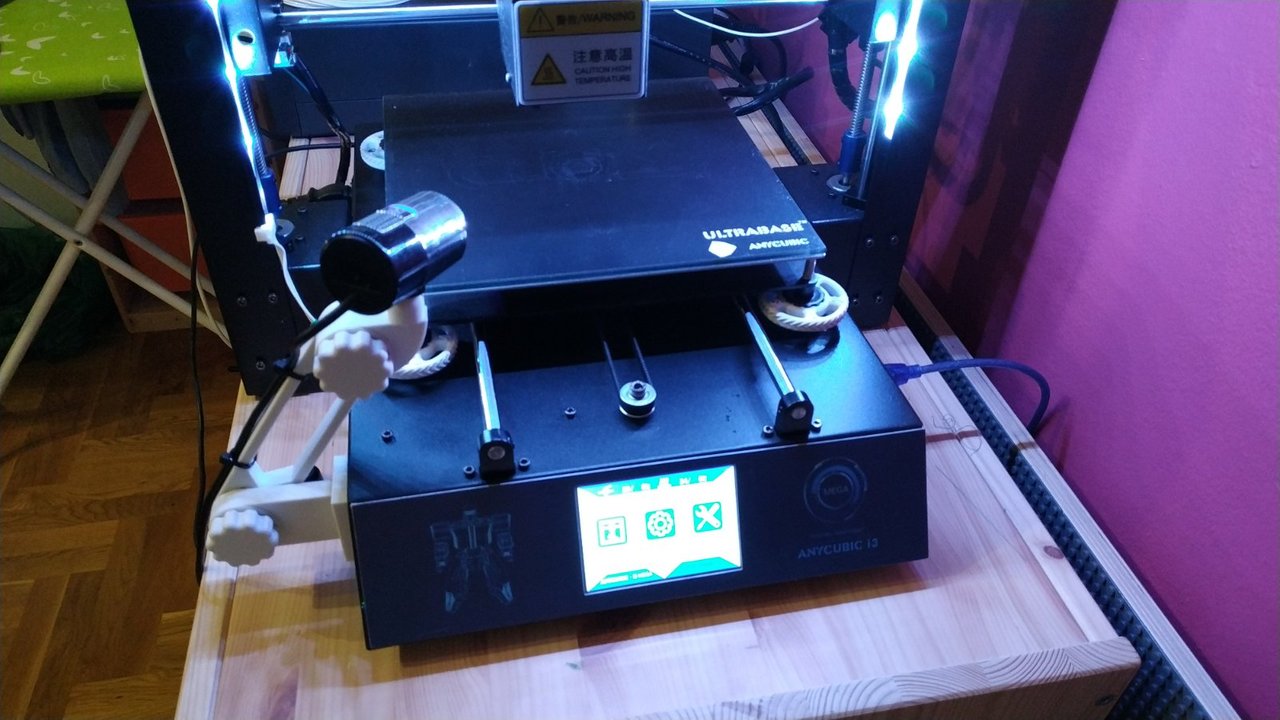
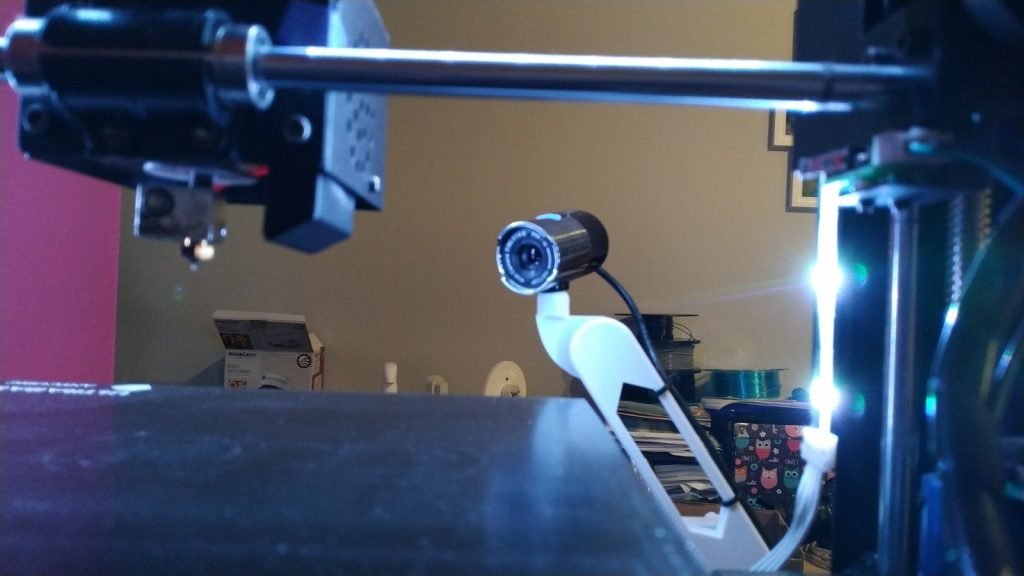
Finally, I designed and printed a camera mount for the Anycubic i3 Mega printer frame to accommodate the Tracer HD720P camera. The design is available on Thingiverse.
Result
The printer is in the basement and I control it from my browser while seeing what's happening on the build plate live.