
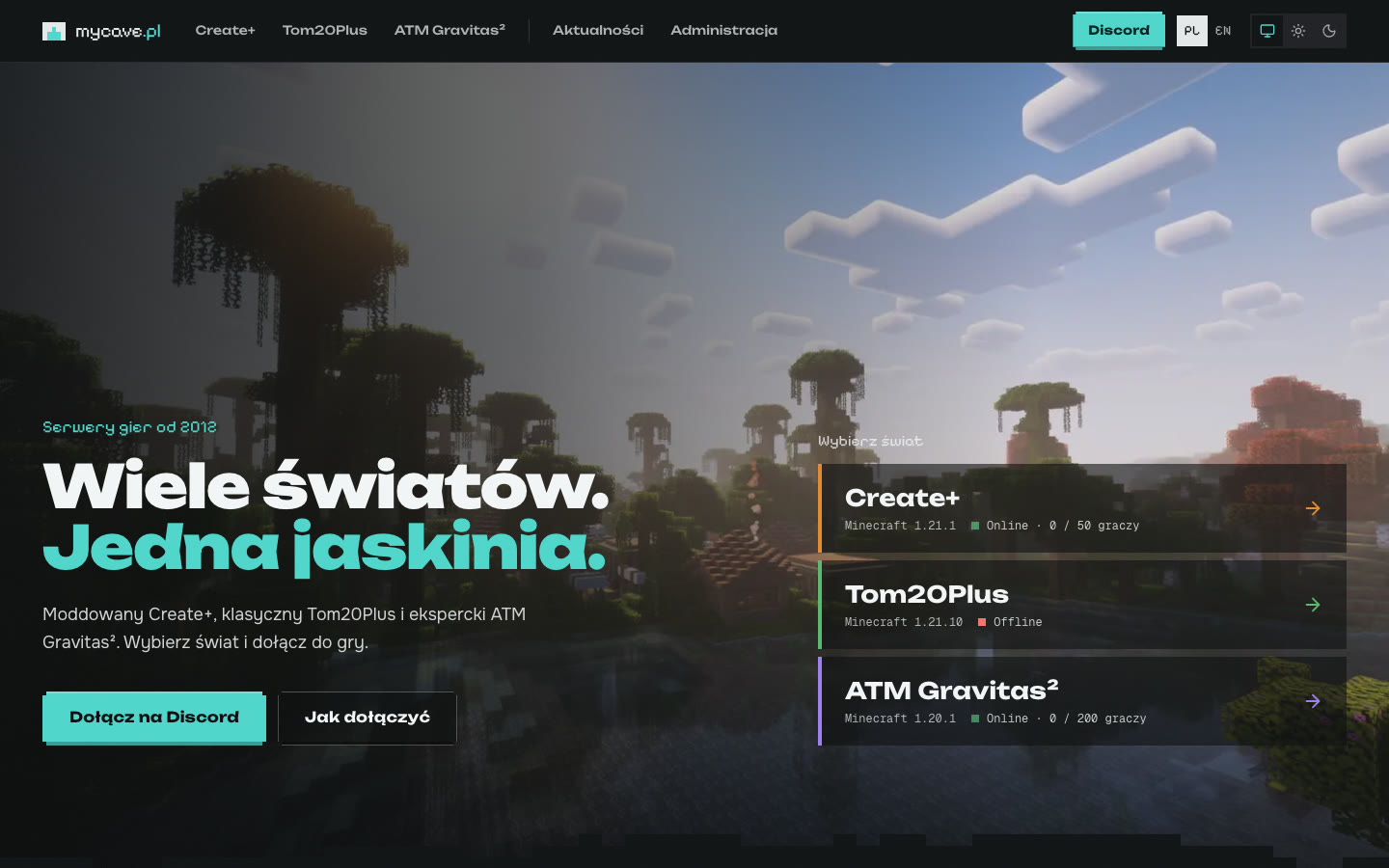
Website
mycave.pl: Minecraft Servers and Their Portal
Three Minecraft worlds in a home homelab and a website that shows their live status, maps, rules, and suggests how to join. Plus, one chat for the game and Discord, and a custom PufferPanel template for CurseForge packages.
29/10/2026
mycave.pl is my gaming servers that have been running since 2012. Today, they consist of three Minecraft worlds for family and friends, each with its own unique character. The only thing missing was a single place where you could see what's running, how to join, and the rules in place.
And so the mycave.pl portal was born. The servers are hosted in my home homelab, and the website serves as their business card and bulletin board. I described where the idea for my own Minecraft servers came from in a blog post titled My Own Minecraft Server for Kids: A Memory After Years.
Three worlds, three engines
Each server is for a different type of player and runs on different software:
- Create+ is a modpack for NeoForge (Minecraft 1.21.1, over 100 mods) centered around the Create mod: gears, tracks, and machines built by hand. The terrain is generated using Terralith and Tectonic, so mountains and valleys look much more interesting than in the standard game,
- Tom20Plus is a peaceful world on Paper (Minecraft 1.21.10) that can be accessed with the standard client. Plugins maintain order: CoreProtect records every change and allows undoing damage, LuckPerms manages roles, and WorldEdit and Axiom assist builders,
- ATM Gravitas² is an expert Forge modpack (Minecraft 1.20.1, over 230 mods). It starts with flint-knapping in the TerraFirmaCraft world and ends with a rocket and a trip to another planet.
All three run on a single home server and are managed by PufferPanel. The panel provides a console, backups, and restarts from the browser, without logging into the server.
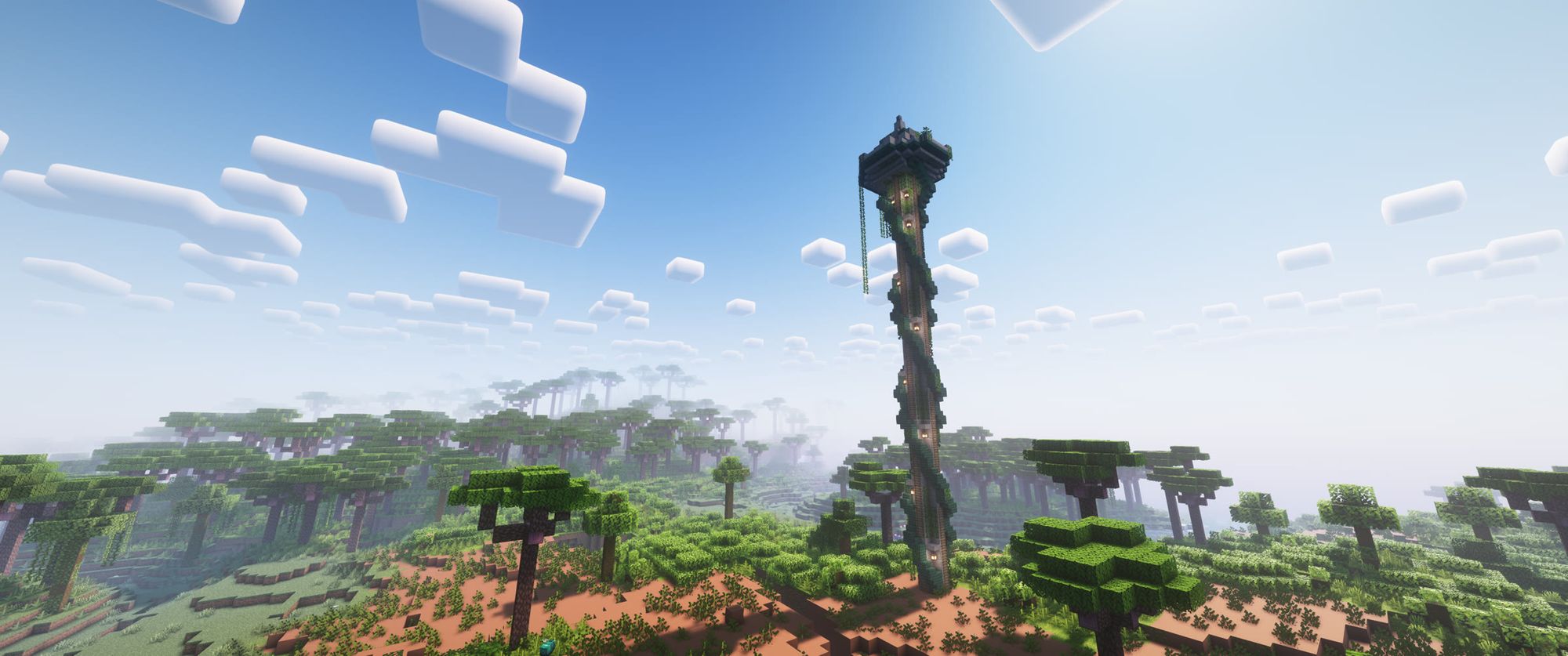
What the website can do
The portal is designed to be simple for a child who joins the server for the first time and useful for a regular player:
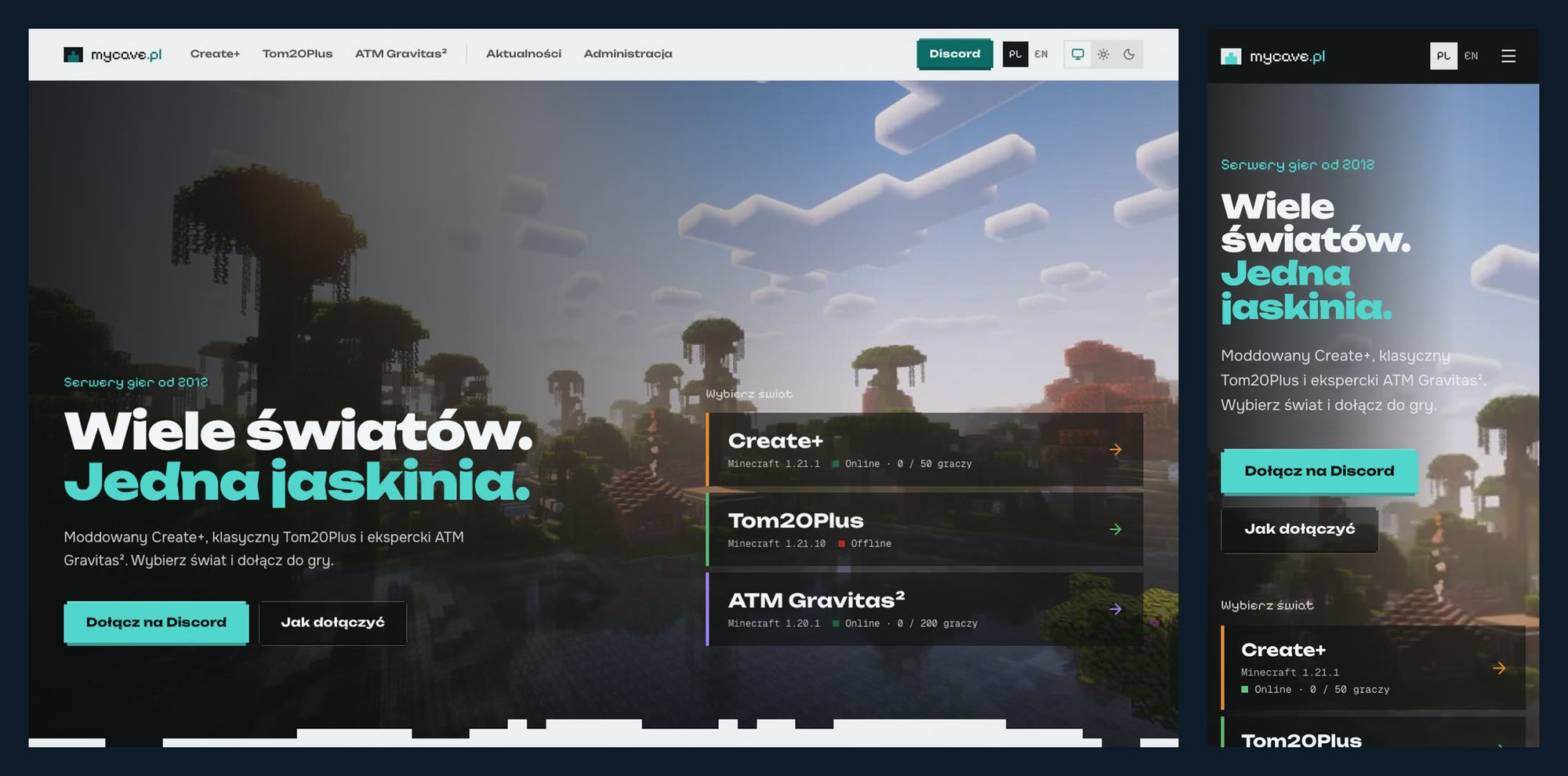
- live status of each server: online or offline, number of players, game version and engine,
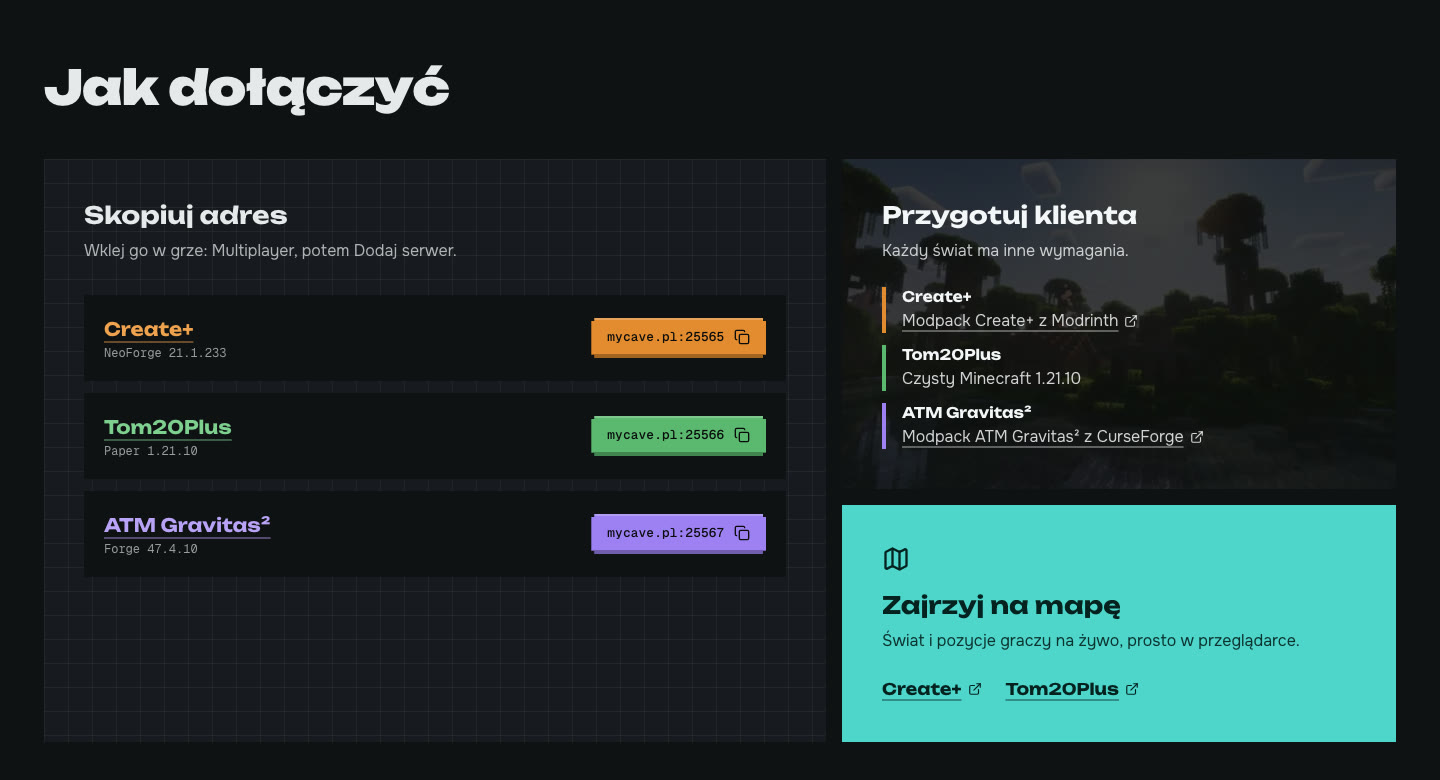
- section 'How to Join': a link that can be copied with one button click and information about which client is needed for the specific world,
- a dedicated subpage for each server featuring a world description, a list of the most important mods, and a gallery of screenshots,
- a live world map in the browser with player positions,
- news written in regular Markdown files,
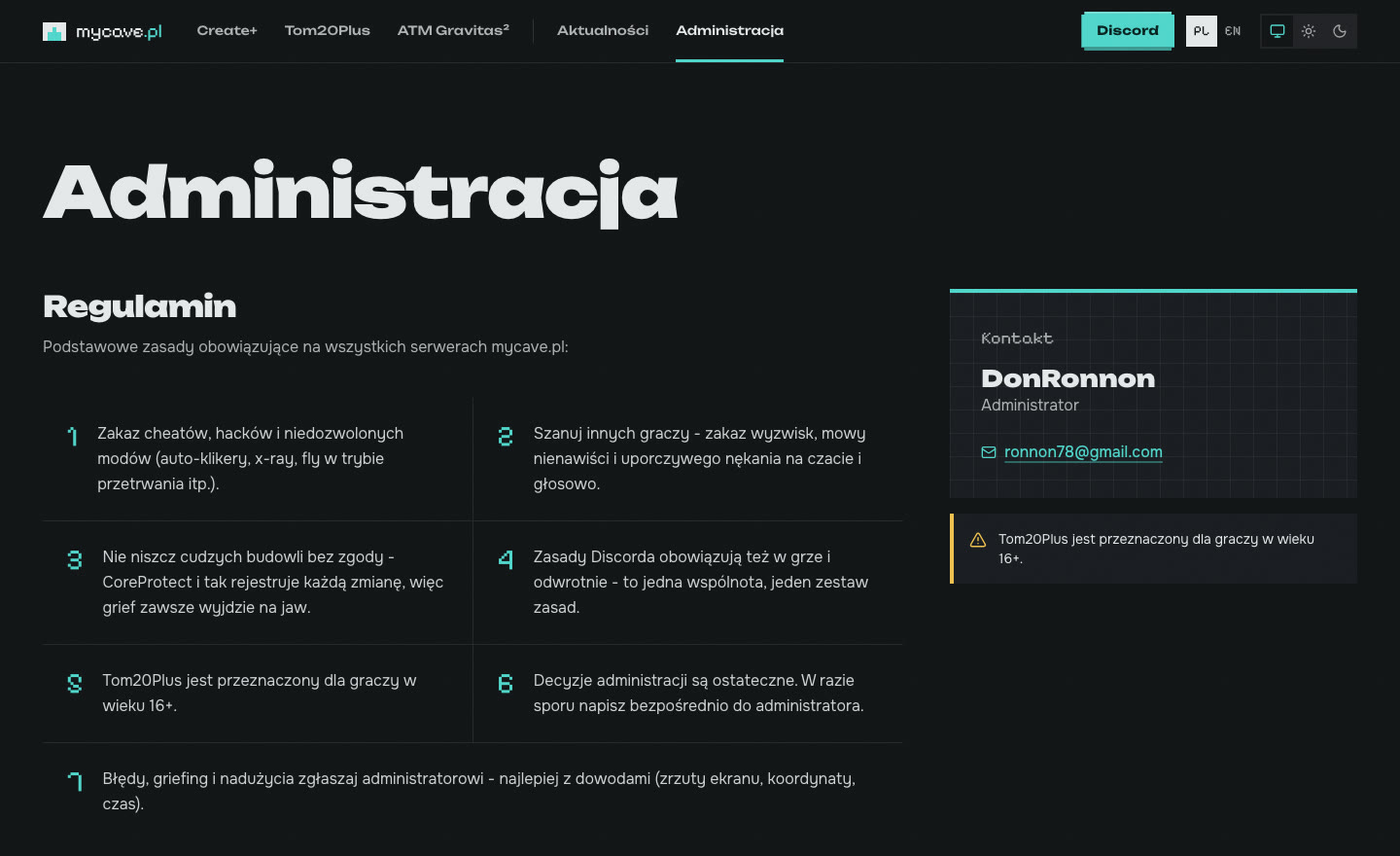
- terms and contact to the admin all in one place.
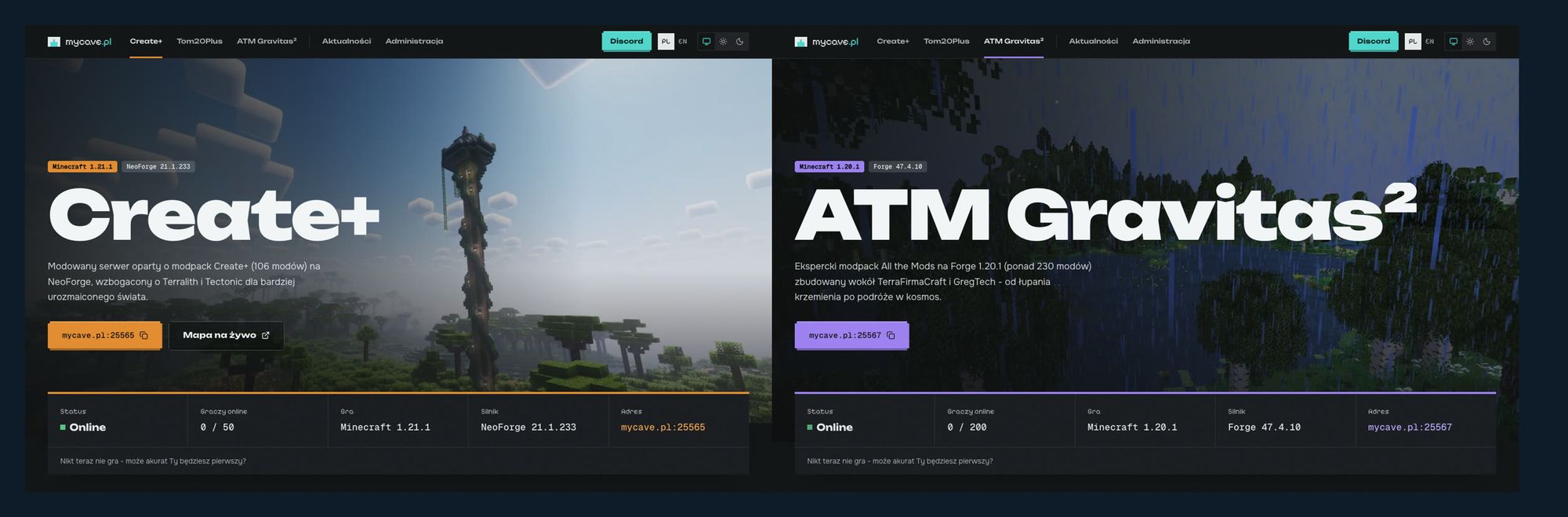
No additional ports status
The website retrieves server data using the same request that the game uses for the server list (Server List Ping). No RCON or query protocol needs to be enabled on the servers, so I only open the game's port itself.
The server of the website executes the query, and the browser only queries its own address. This way, the tab refreshes every now and then, and the visitor does not connect directly to the game server.
A map that understands mods
BlueMap is used to draw live maps. I chose it over the popular Dynmap because Dynmap does not recognize blocks from mods and shows black holes in a modded world. BlueMap reads block models directly from mod files, so machines and buildings on the Create+ map appear as they do in-game.
One chat for the game and Discord
Players chat on a shared Discord channel. Game messages go to Discord and vice versa, so you can arrange to play together without launching Minecraft. Each engine required a different bridge: Viscord works for Create+, while Tom20Plus uses EssentialsXDiscord.
Rules in one place
The rules are short and apply to all servers and Discord. They prohibit cheating, insulting others, and destroying other players' buildings. They also remind everyone that every change in the world is saved, so any destruction will always be detected.
Tom20Plus has an age limit of 16+. Younger players have their own space on the other servers.
Appearance: pixelated but readable
The website references the game but doesn't mimic its interface. The edges of sections are 'step-like' like blocks, addresses and versions are written in a pixel font, and each server has its own color: orange, green, and purple.
- light, dark or system theme, selected with one click,
- both Polish and English versions from the first day, not added later,
- the layout works on a phone and the menu can be navigated using a keyboard,
- the 'Skip to content' link and alternative descriptions for screen captures,
- sitemap, canonical URLs and structured data to ensure search engines properly display subpages.
Behind the Scenes of Servers
The most work wasn't with the website itself, but with the servers themselves. A few things worth remembering:
- after installing NeoForge, the panel was launching Mojang's regular server file instead of properly starting NeoForge. The server would start up but the game would reject connections. Removing that file from the way fixed it, so the panel could choose the correct startup path,
- one mod in the pack was incorrectly marked as a server mod and would crash the server at startup. Moving it to a separate folder fixed the issue,
- CurseForge packages like ATM Gravitas² don't include Forge and the panel couldn't install it. I wrote my own PufferPanel template that automatically detects the loader (Forge, NeoForge or Fabric), installs it and sets the correct start command,
- on Mac, the ATM Gravitas² client crashed on the loading screen. A purely visual aurora borealis mod was to blame, whose shaders don't work on macOS. After disabling it, the game runs smoothly and the server didn't require any changes.
The website and maps are hosted behind a reverse proxy with Let’s Encrypt certificates. You can read more about the home server itself in my post Homelab: własna chmura w domu.
What's next
- player list from live maps and server statistics, not just server responses,
- web map for ATM Gravitas², which currently only has an in-game map,
- more screenshots and updates about what's happening in our worlds.
Stack
- Astro (SSR using Node.js) with TypeScript, Tailwind CSS v4, DaisyUI, and Lucide
- i18n EN/PL, news content in Markdown (content collections),
- Server List Ping as a source of status and BlueMap for live maps,
- A custom PufferPanel template for CurseForge packages,
- NeoForge, Paper and Forge, Discord and EssentialsXDiscord as the bridge to Discord,
- Docker in a home homelab, Nginx Proxy Manager and Let's Encrypt.