As of November 17, 2026, this site is running on EmDash, a young content management system (CMS) built on Astro. I'll describe its origins, why I chose it, how the testing went, and what it can do.
As of November 17, 2026, this site is running on EmDash, a young content management system (CMS) built on Astro. I'll describe its origins, why I chose it, how the testing went, and what it can do.
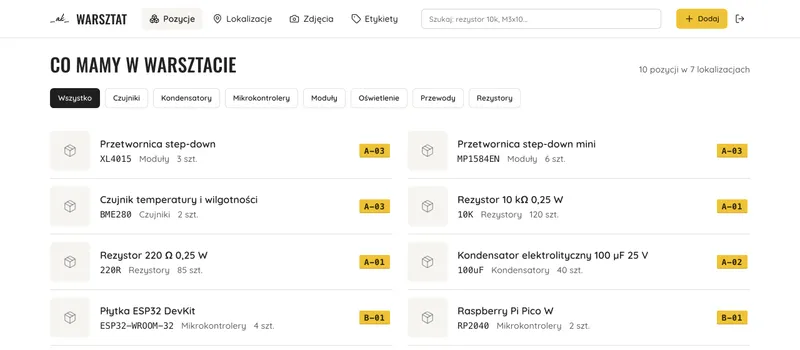
 (enlarge)
The Origins of EmDash
EmDash is an open-source CMS announced by Cloudflare on April 1, 2026. The creators call it the spiritual successor to WordPress. Version 1.0 was released at the end of September 2026.
Key project features:
- MIT license, entirely written in TypeScript
- Runs as an Astro integration: add it to your config and you get a panel, API, login, media library, and plugins
- Plugins run in isolation, addressing WordPress' biggest security issue
- Built-in automation tools: CLI, MCP server, and AI agent descriptions
The source code is public on the emdash-cms/emdash GitHub repository.
Why I Left Payload
Previously, this site used the Payload CMS with a separate frontend. Technically, it's a solid system, but daily use was cumbersome. Every small content change required navigating a complex panel or writing scripts.
Maintaining two separate applications also added overhead: the CMS and the website each had their own deployments, dependencies, and issues.
Why EmDash?
I considered several options:
- WordPress was immediately ruled out: PHP, plugin vulnerabilities, constant patching
- Directus in its new version is heavily restricted by licensing
- Building a custom CMS from scratch would be time-consuming with no guarantees
EmDash combined what I needed. The website and panel are a single Astro application (which I already know). I can define my own collections and write plugins instead of forking the system. While aware it's a niche, young project, I consciously accepted that risk.
How I Tested It
I didn't switch the site immediately. First, I set up a pilot on my home server alongside the live production environment.
The testing steps were:
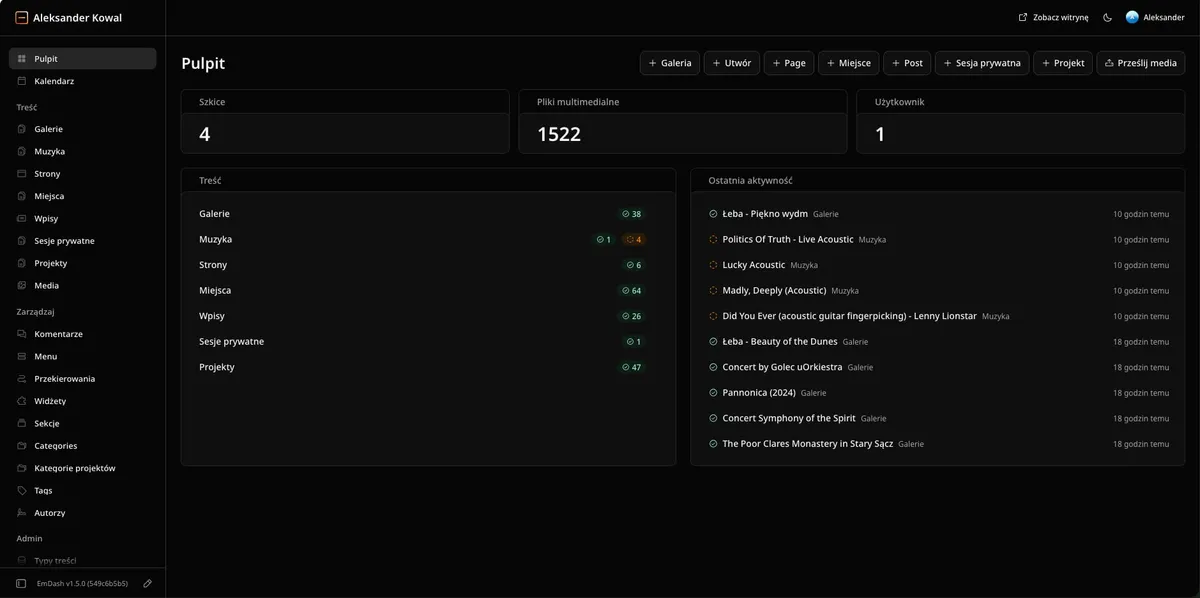
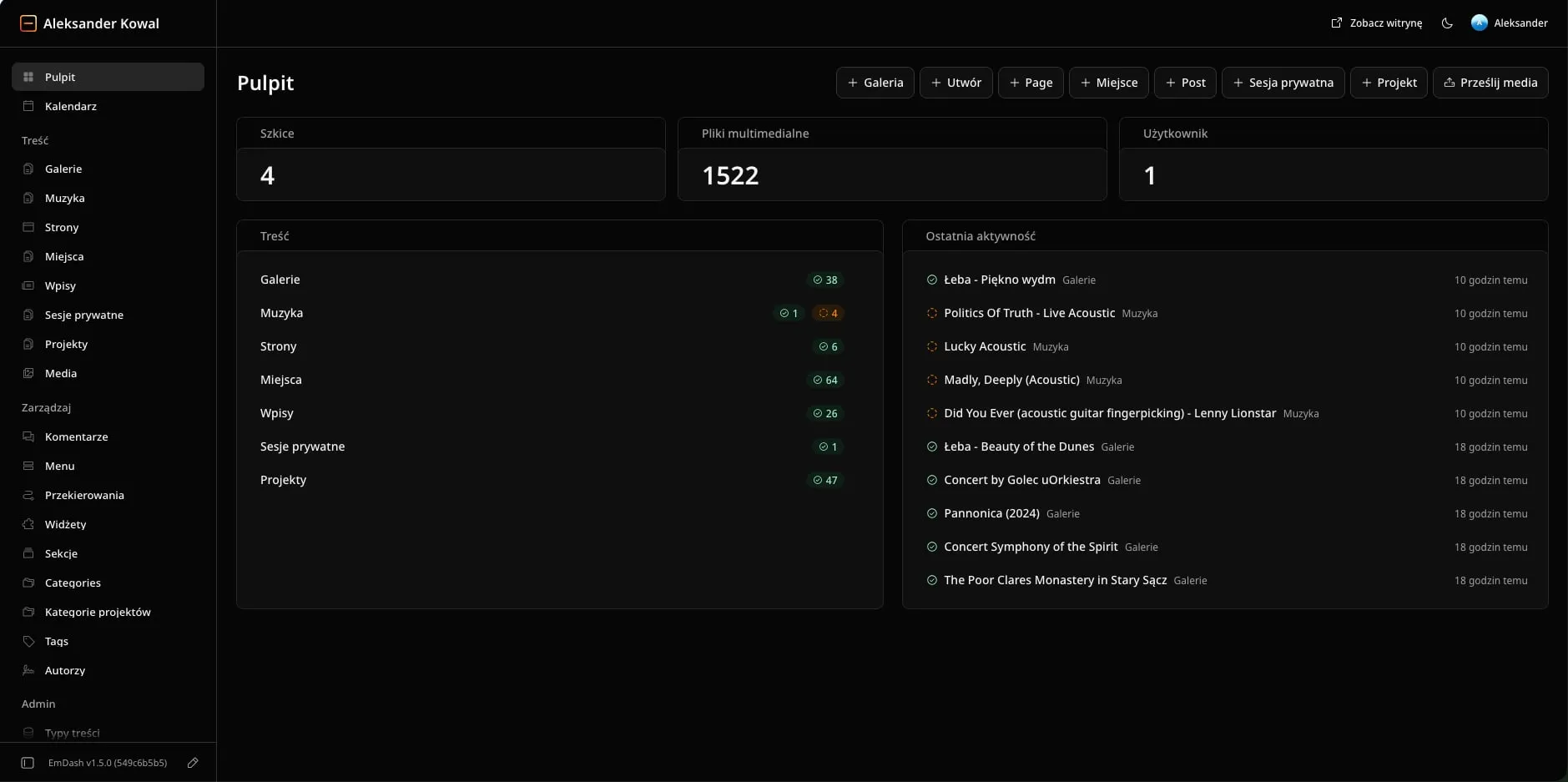
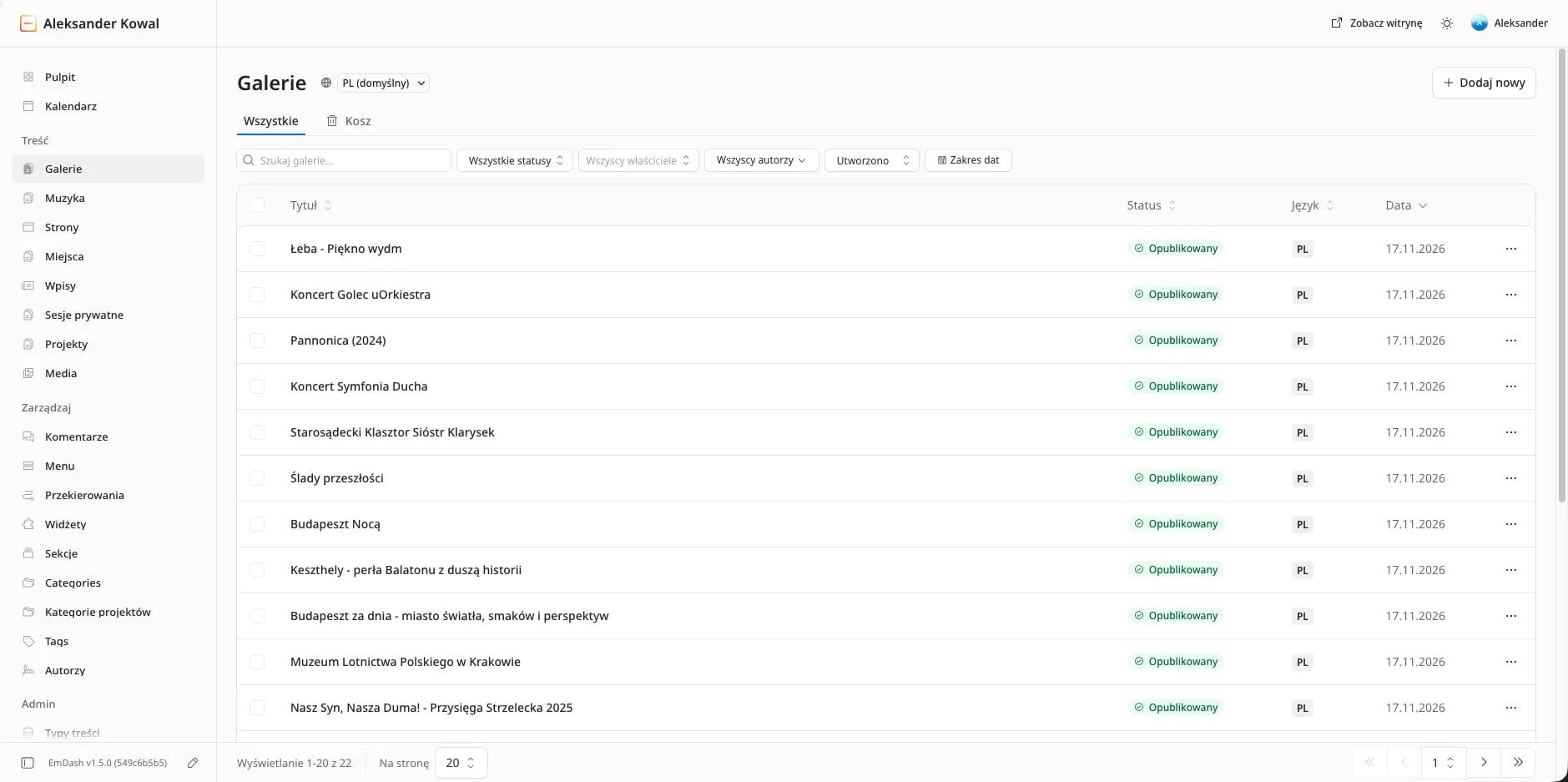
- Import content from Payload with a custom script: posts, projects, galleries (22 albums, over 1,200 photos), and 64 travel locations
- Transfer the English version as translations linked to Polish posts
- Verify 131 addresses from the old sitemap. All responded correctly in the new version
- Check that importing didn't alter anything in the old system
- Take a database backup just before switching, and stop but not delete the old system
Some unexpected issues arose during testing:
- The server's CPU doesn't support AVX2 instructions, so building the site in a container failed. Now I build it on a Mac and let the server run the precompiled version.
- The import also lost some photos due to DNS problems in the container, which I fixed by pointing it at specific DNS servers.
What EmDash Does Here
I use these built-in EmDash features:
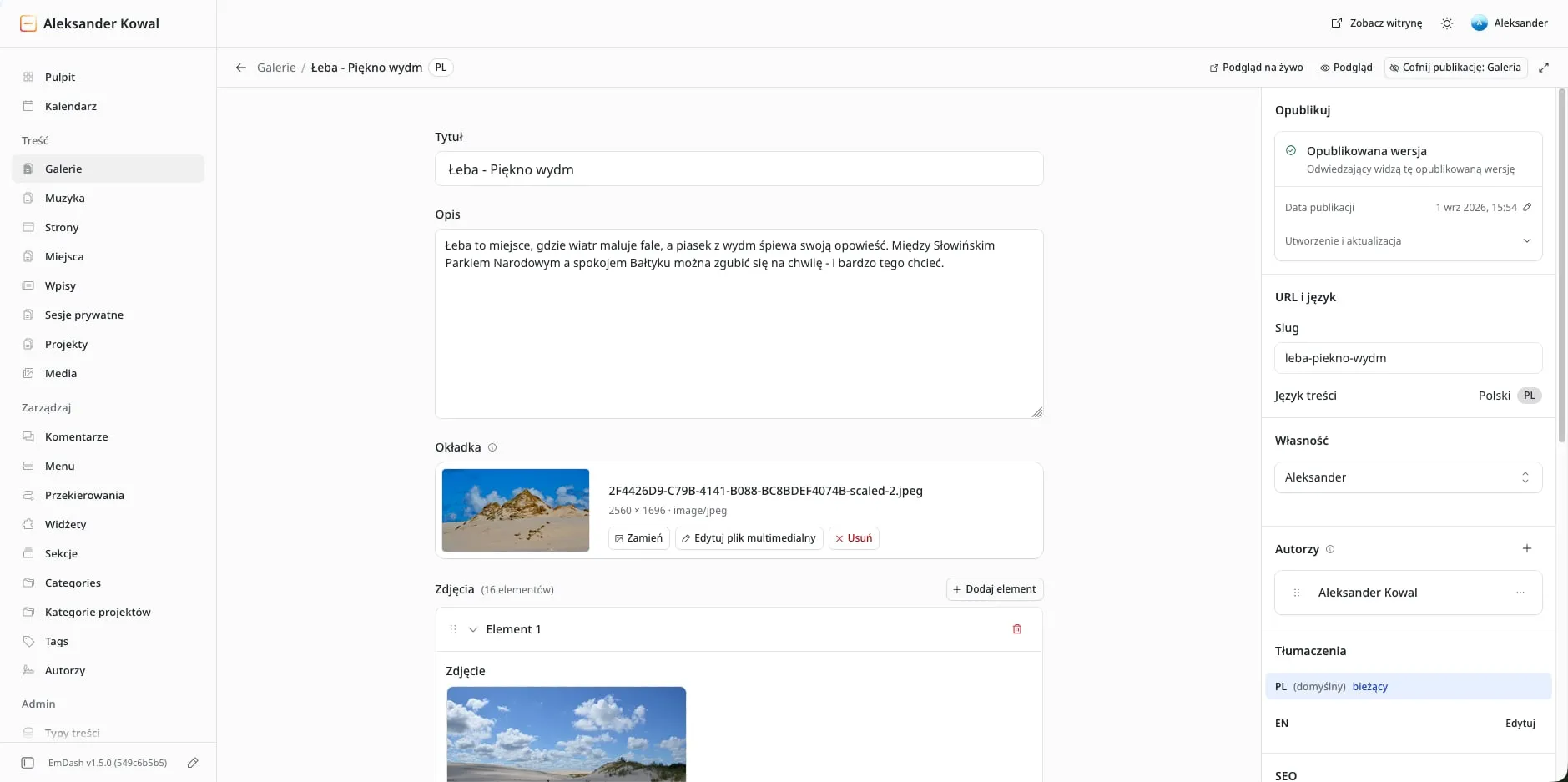
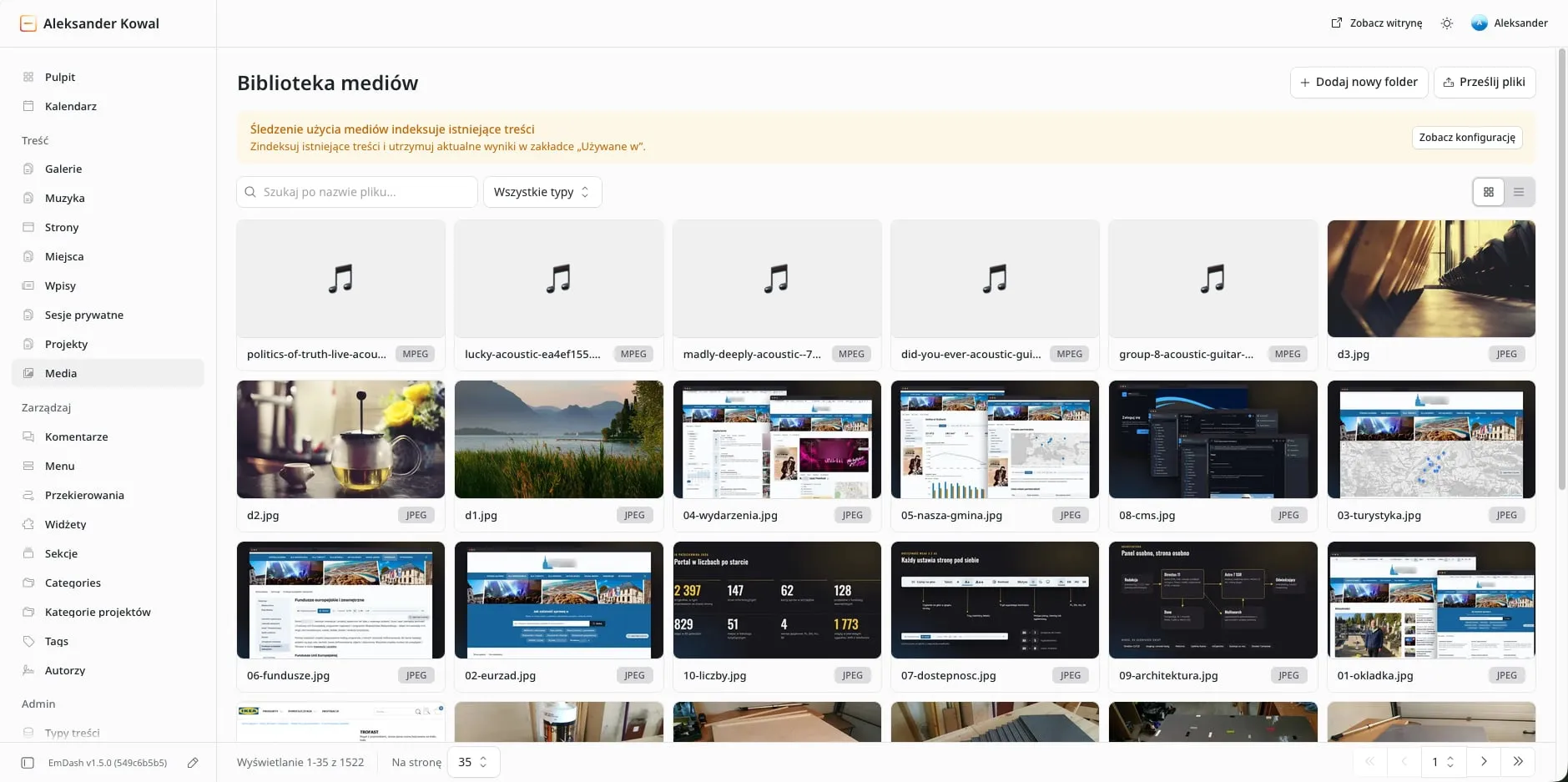
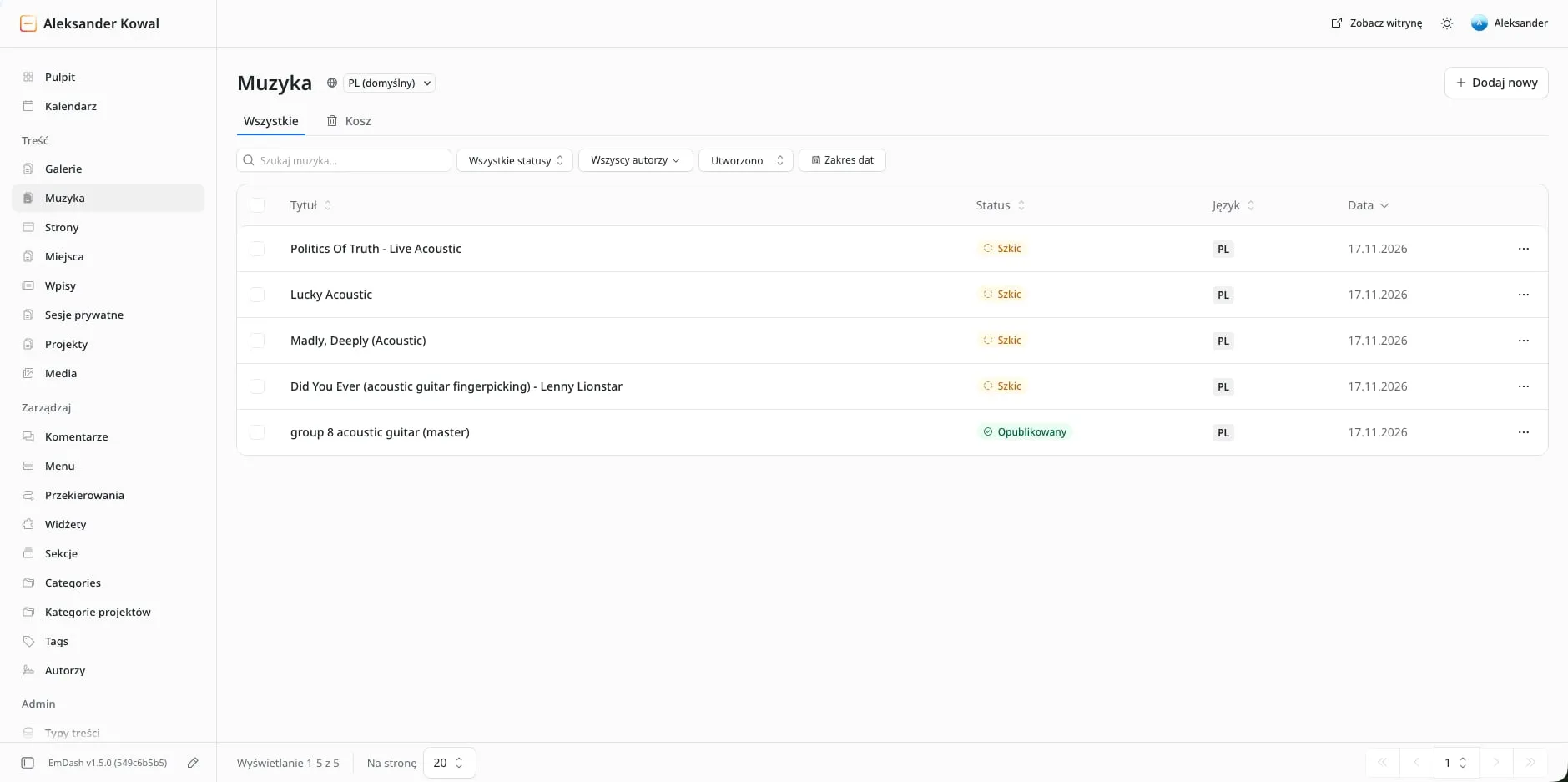
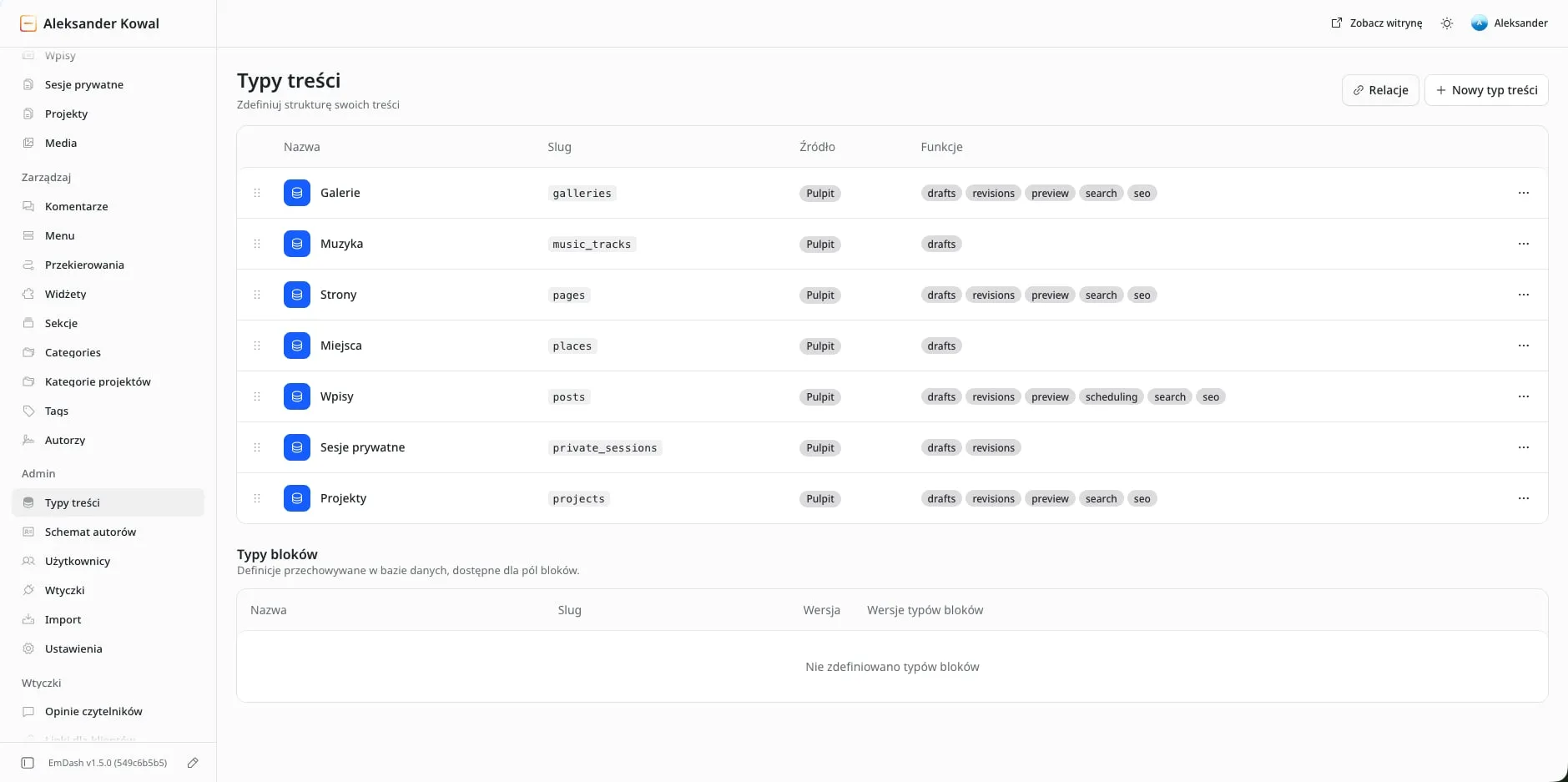
- Custom collections: posts, projects, galleries, locations, pages
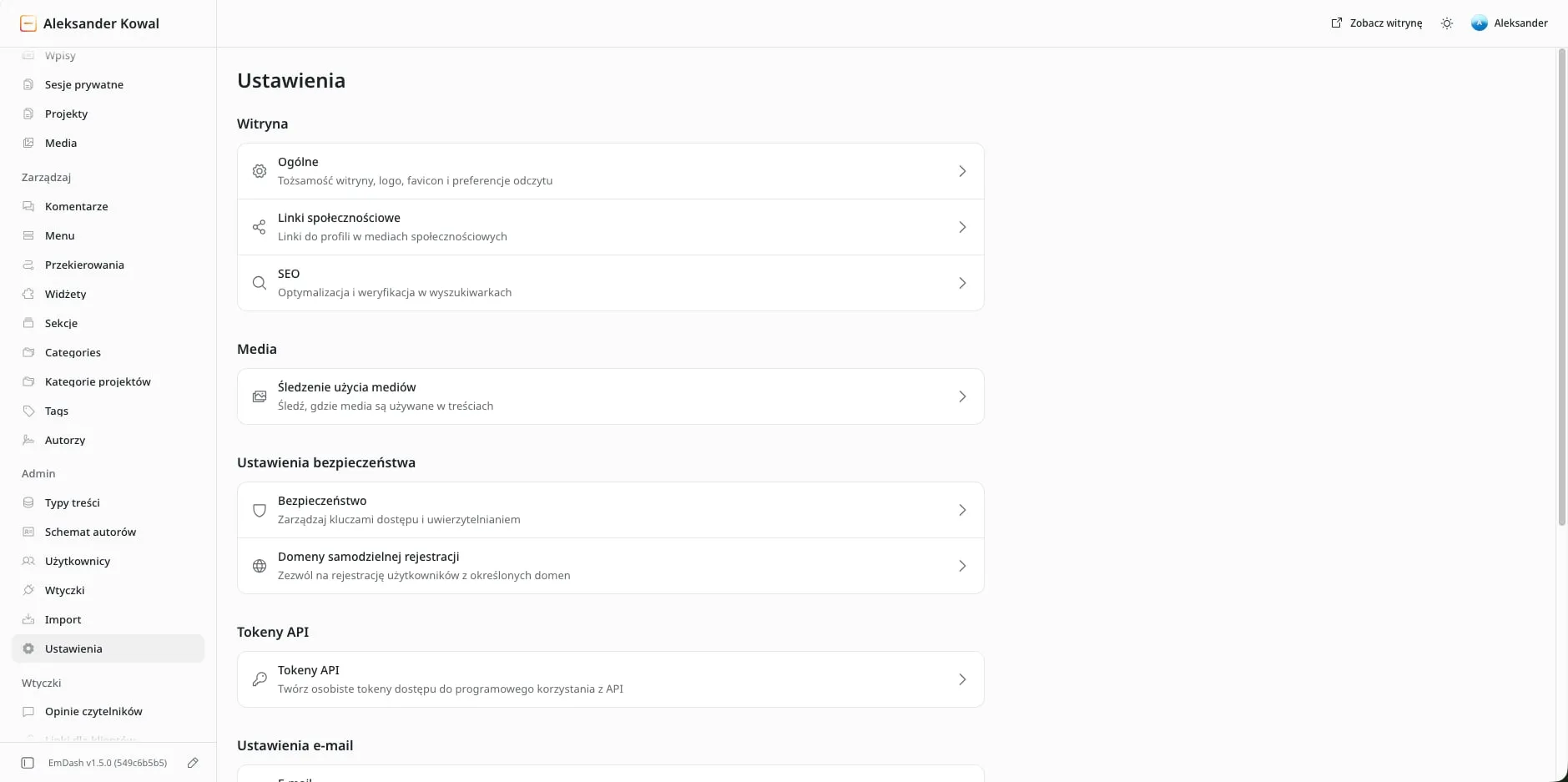
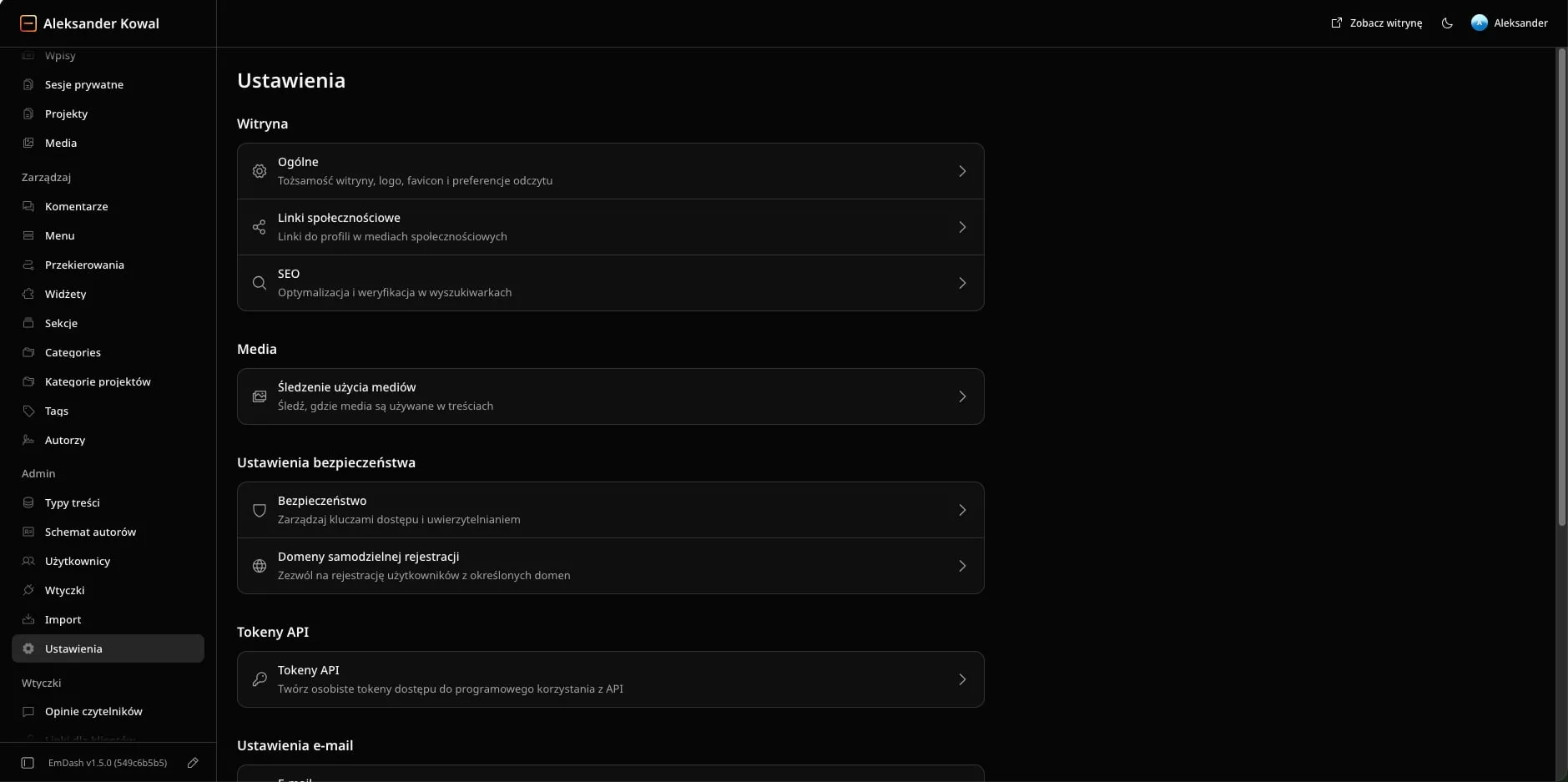
- Menu, widgets, and site settings editable via the panel
- Full-text search
- Comments with moderation
- Multilingual support with a translation button next to each post
- Login using a passkey or email link
- Sitemap and basic SEO
Custom Plugins
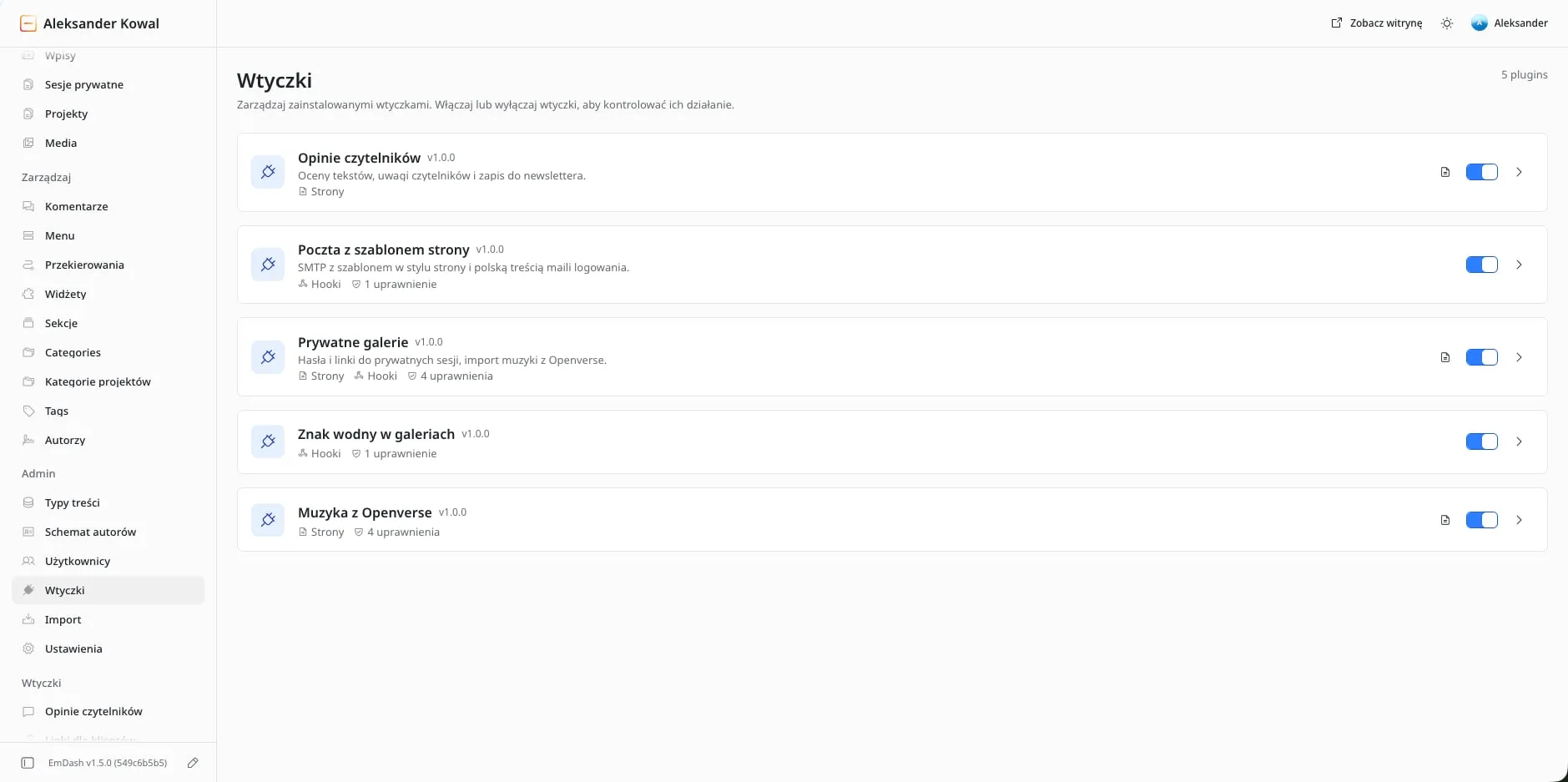
For features EmDash didn't have out of the box, I wrote plugins without modifying the core system:
- Reader opinions with newsletter signup
- Private client galleries protected by password or link
- Music search from open resources for slideshows
- Watermark automatically added to new photos
- Email sending in the site's style with Polish text
The Architecture
The entire setup is a single Astro application with EmDash integration. Data is stored in SQLite because EmDash full-text search only works on that database. Photos are on the server disk, and thumbnails are calculated once and cached.
The site runs in a Docker container on my server. The code is in my own Git repository, and deployment is a single script taking about 40 seconds. The footer shows the version number, commit hash, and build date so I know exactly what's in production.
 (enlarge)
First Impressions
After a few days, the biggest change is how easy content editing has become. Having one application instead of two means fewer things that can break.
EmDash is still a young project and will likely surprise me yet. For now, I plan to use it for client websites too, especially those with their own Node server.
Was this useful?
New posts by e-mail
Every now and then, when a new post or project goes up. No ads.
Got an idea, a question or a comment? Write to me:Enable JavaScript to see the e-mail address
Comments
No comments yet. Be the first.