
Workshop: a parts inventory read by people and AI agents
6 min readProgramowanieWeb i serwery
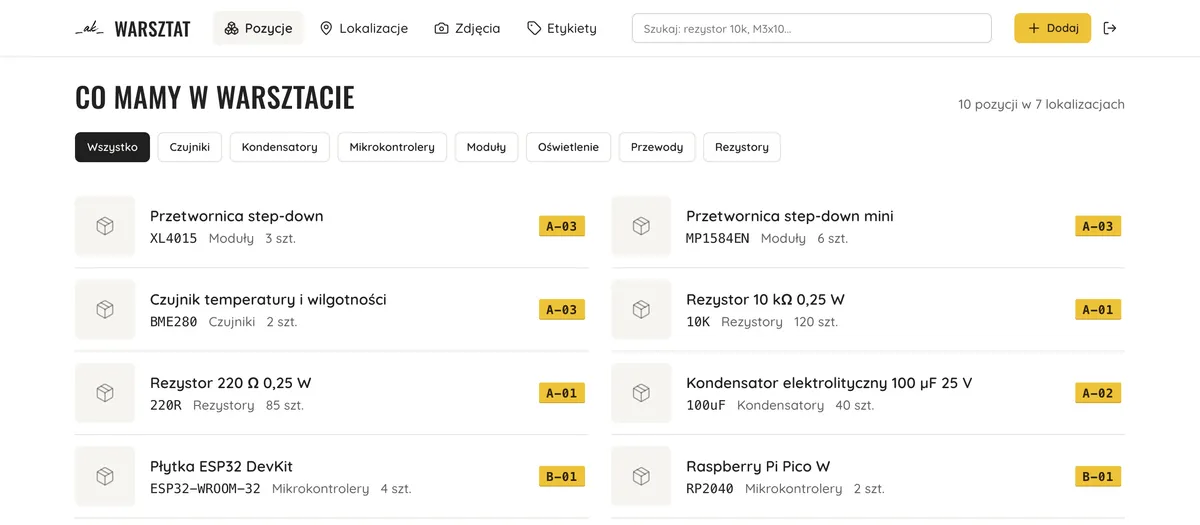
A small app that keeps an inventory of my home workshop: electronics, fasteners, tools and materials. People add items with a phone photo, AI models describe them, and AI agents search the inventory over MCP before suggesting any purchase.
Technologies
- Astro 7 SSR
- TypeScript
- Node 24
- SQLite (node:sqlite
- FTS5)
- sharp
- Zod
- Tailwind v4
- DaisyUI v5
- Lucide
- MCP
- LM Studio (qwen3-vl-8b)
- Claude Opus 5.5
- Docker
A small app that keeps an inventory of my home workshop: electronics, fasteners, tools and materials. People add items with a phone photo, AI models describe them, and AI agents search the inventory over MCP before suggesting any purchase.
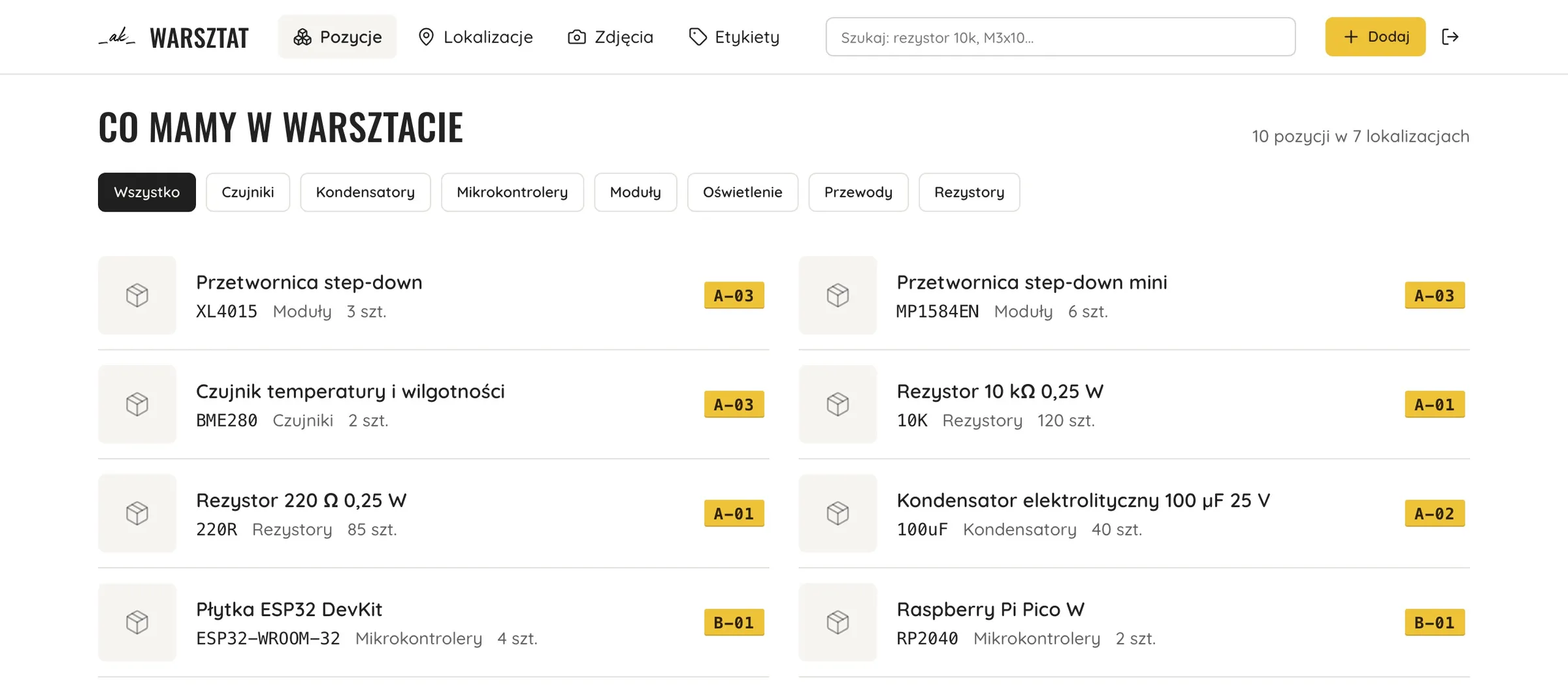 (enlarge)
The Problem
Parts were scattered across boxes, drawers and bags, and the knowledge about them lived only in my head. For a new project it was easier to order a module than to look for it. On top of that, I plan more and more projects with an AI assistant that knew nothing about what was in the workshop.
I needed an inventory that:
- can be filled in quickly, without copying symbols from tiny markings,
- works on a phone, right next to the drawer,
- has a machine interface for AI agents, not just a screen for humans.
I write more about how the inventory changed my shopping in the post Workshop Inventory: Check First, Buy Later.
Architecture
The whole thing is a single Astro 7 app in SSR mode on the Node adapter, running in a Docker container on my home server. No separate backend and no external database.
- Database: SQLite via the `node:sqlite` module built into Node 24, in WAL mode.
- Search: an FTS5 full-text index over name, symbol, category, tags and notes.
- Photos: sharp resizes them and creates thumbnails, files sit next to the database in one data directory.
- Input validation: Zod, with the same schema for forms, the API and model responses.
- Interface: Tailwind v4, heavily customised DaisyUI v5 and Lucide icons.
Browser login is a password and a signed session. Agents use a separate token in the `Authorization: Bearer` header.
A Photo Instead of a Form
On an iPhone the page works like an app from the home screen. The "Take a photo" button opens the camera straight away, and each photo uploads in the background. I can keep shooting without waiting for the network.
For one item I take 2-4 shots: the whole thing, the marking and the packaging. In the hint field I type the location and quantity, for example "A-03, about 50 pieces". The finished set goes into the draft queue.

Two Recognition Engines
A vision model describes each draft. There are two paths, with the same prompt and the same response schema.
The local path runs on my Mac:
- a script fetches the queue from the server through the API and sends the photos to LM Studio,
- the `qwen3-vl-8b` model reads the markings and returns JSON with name, symbol, category, tags, quantity and location,
- describing one item on an M4 takes about 20-30 seconds, at no cost and without sending photos outside my home,
- `--watch` mode checks the queue every 30 seconds, so it can simply run in the background.
The cloud path is the "Describe now with Claude" button on the draft page. The server sends up to 4 photos at 1600 px to Claude Opus 5.5 with low effort and an enforced JSON schema. If the classifier rejects the request, the API retries it on a fallback model by itself. One description costs a fraction of a cent.
The model receives the list of existing locations and may only pick one of them. A code that is not in the database is rejected before saving.
A Human Approves, the Machine Catches Duplicates
The model never creates an item on its own. It only saves a suggestion, which I approve in a form.
The exception is things already in the inventory:
- the same symbol after normalising to letters and digits only: the draft joins the existing item, the quantity goes up and the photos move to the item,
- a similar name, meaning most words match and the numbers are the same: the app shows "Looks like you already have this" and leaves the decision to me.
This way "XL4015", "XL-4015" and "xl 4015" remain a single item.
An MCP Server for Agents
The most important part of the project is the interface for AI. The app exposes an `/mcp` endpoint following the Model Context Protocol, in the stateless Streamable HTTP variant. JSON-RPC handling is written by hand, without an extra SDK.
Tools available to the agent:
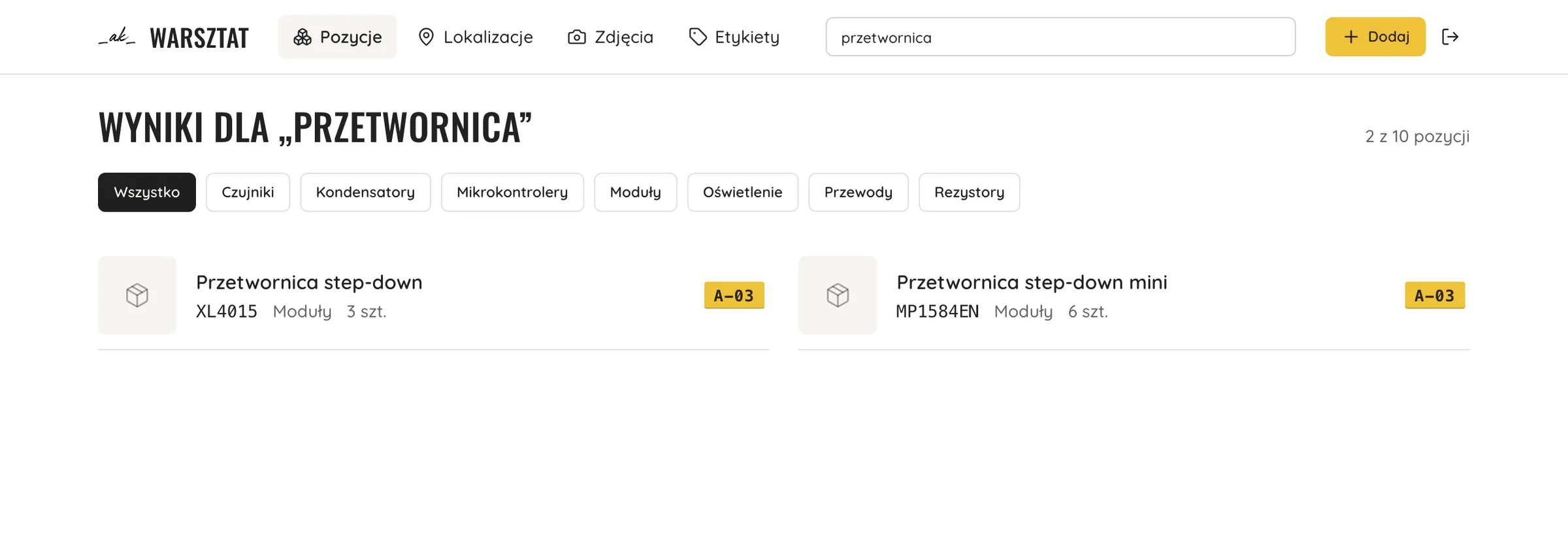
- `szukaj` (search): full-text search with quantity and location,
- `pozycja` (item): full item data including photos,
- `lokalizacje` and `zawartosc` (locations and contents): the list of places and what is in a given container,
- `zmien_ilosc` (change quantity): updating stock after use, the only tool that writes.
The server is connected globally to Claude Code. My agent instructions contain a rule: before suggesting the purchase of a part, module or tool, check the workshop. The agent searches in several ways: by symbol, by generic name and by substitutes, for example "XL4015", "converter", "step-down".
Next to MCP there is a plain REST API for reading and adding items. The photo description script and agents without MCP support use it.
 (enlarge)
Physical Order
The inventory only makes sense when the codes in the database match what is on the boxes.
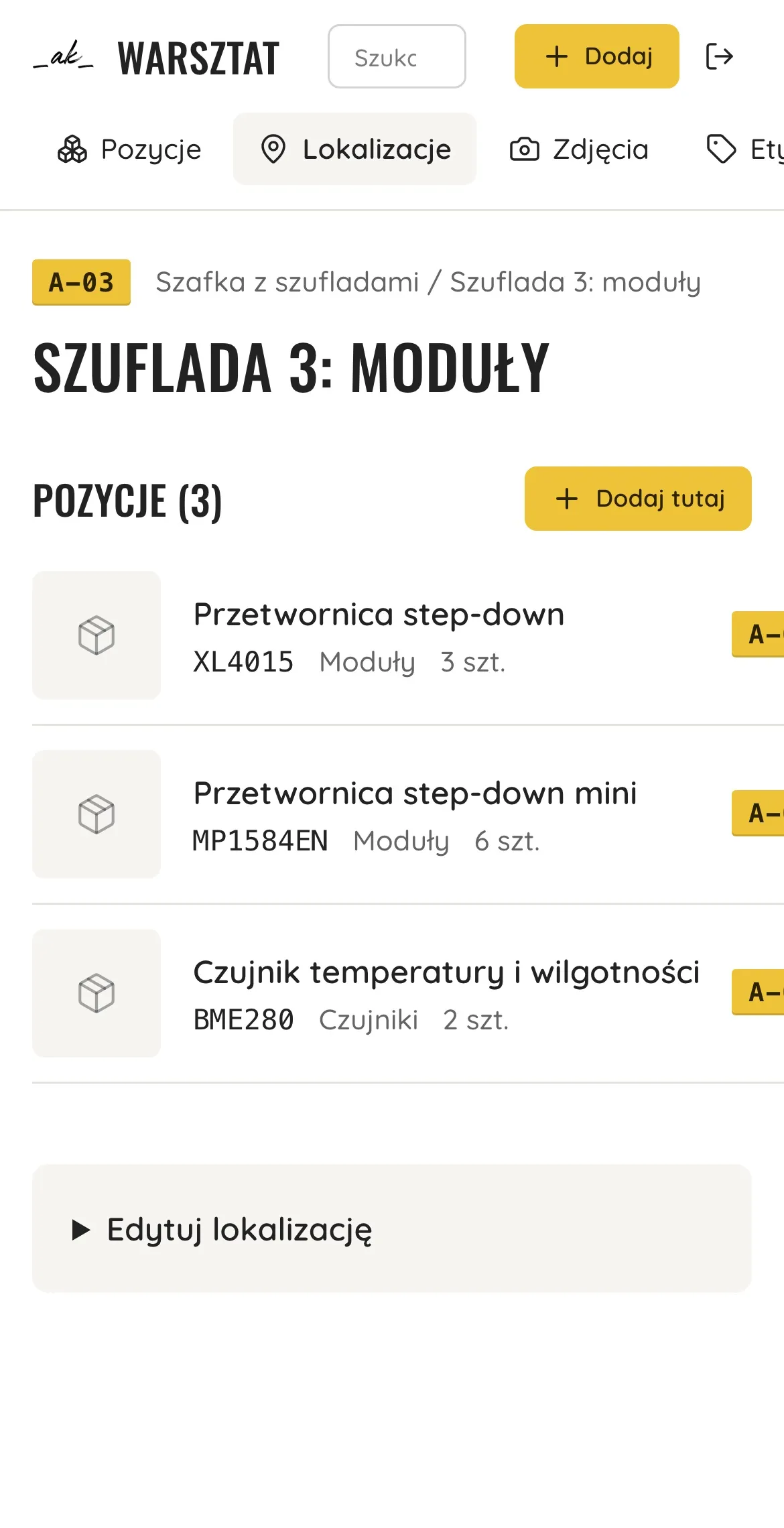
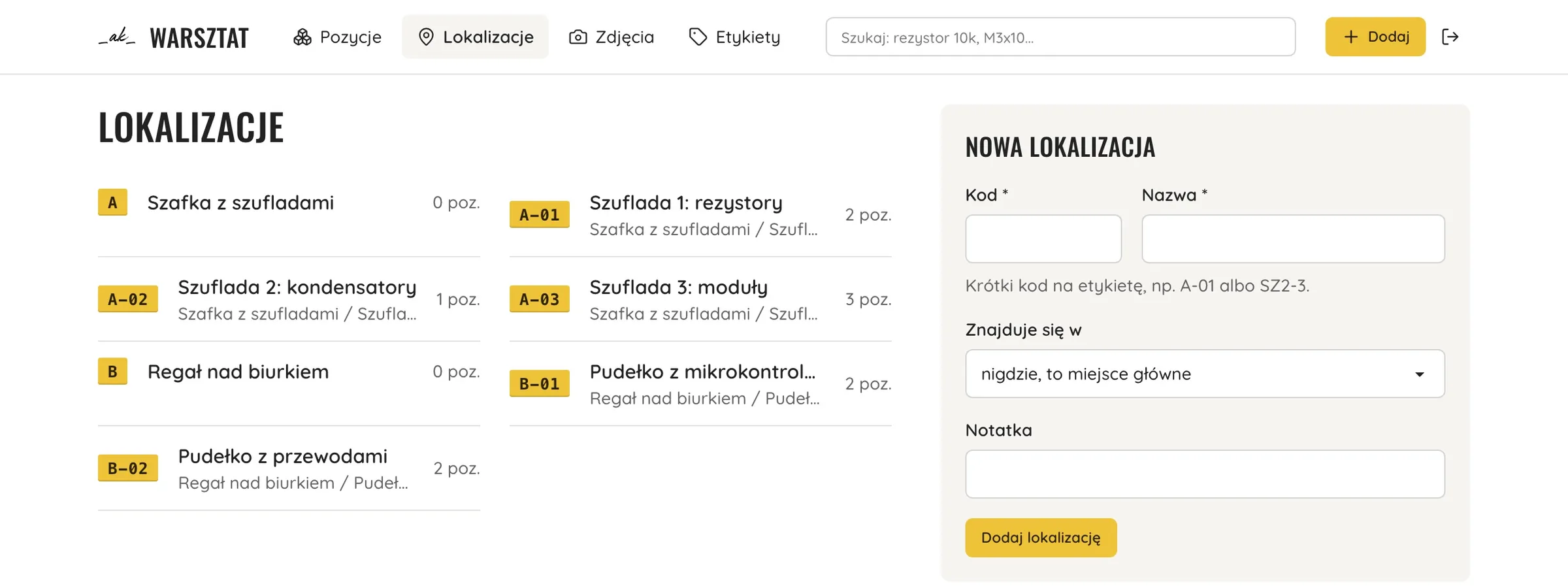
- Locations form a tree: cabinet, drawer, container, with short codes such as A-03.
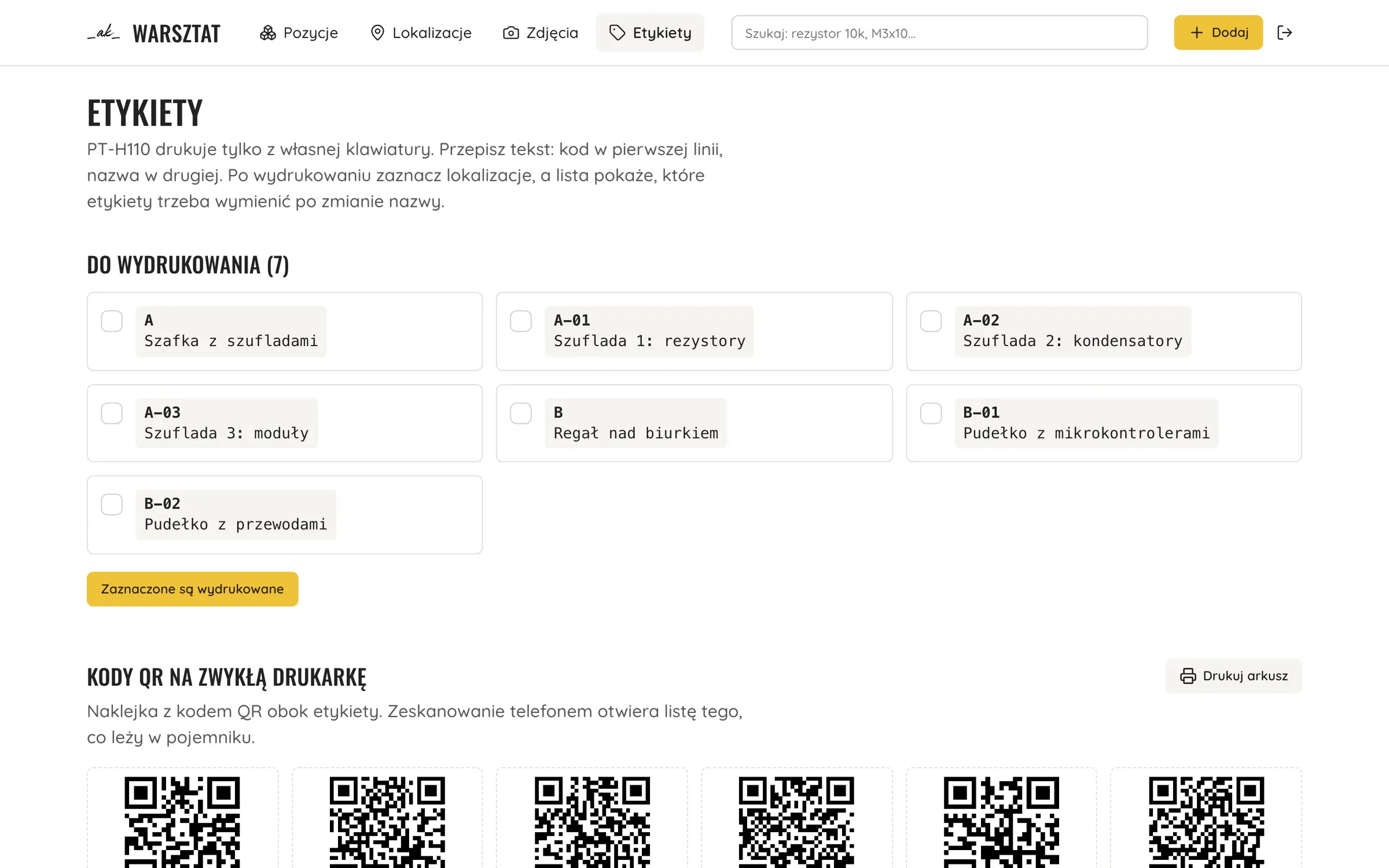
- The PT-H110 label printer does not connect to a computer, so the app provides ready text to type in and remembers which labels are printed. After a rename the label goes back onto the list to be replaced.
- A sheet of QR codes for an ordinary printer leads to a short `/l/<code>` address that opens the contents of a container.
- Eventually containers based on the open Gridfinity standard, 3D printed, with a label shelf.
Deployment
The app runs in a Docker container on a server in my home lab, behind a reverse proxy with a TLS certificate. The database and photos live on a volume outside the container, so an update is just rebuilding the image with one script. The code is in my own self-hosted Git repository.
The screenshots in this description show sample data, not my real inventory.
What Comes Next
- filling in the whole workshop, box by box,
- Gridfinity containers with labels,
- linking items to projects, so it is clear what each project used up.
Was this useful?
New posts by e-mail
Every now and then, when a new post or project goes up. No ads.
Got an idea, a question or a comment? Write to me:Enable JavaScript to see the e-mail address
Comments
No comments yet. Be the first.