Post, photos, files, passwords, VPN and home automation on your own servers instead of the giants’ cloud. How I built a homelab in layers: network with VLANs, a single entry via reverse proxy, containers, two nightly backups and monitoring with SMS alerts, and what it taught me.
Technologies
- Ubuntu Server
- Docker
- Portainer
- TP-Link Omada
- AdGuard Home
- CrowdSec
- WireGuard
- Uptime Kuma
- Mailcow
- Nextcloud
- Immich
- Vaultwarden
- OneDev
- Astro
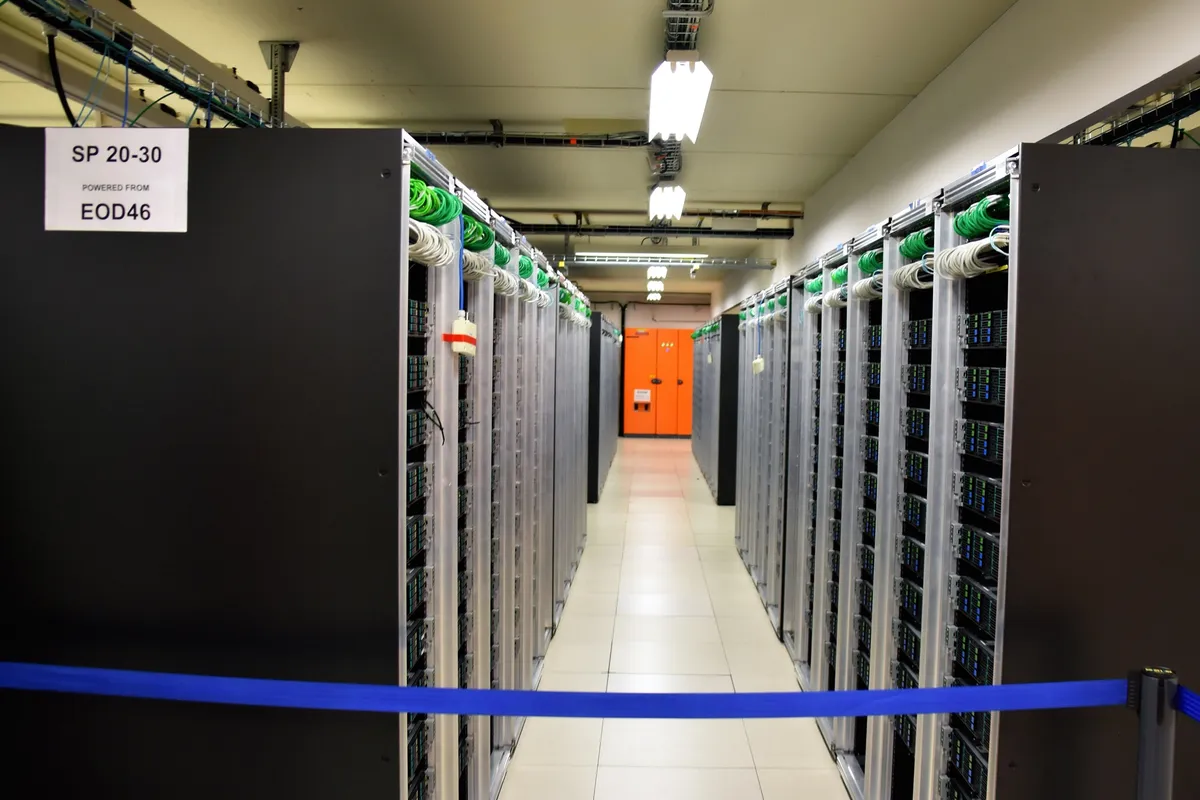
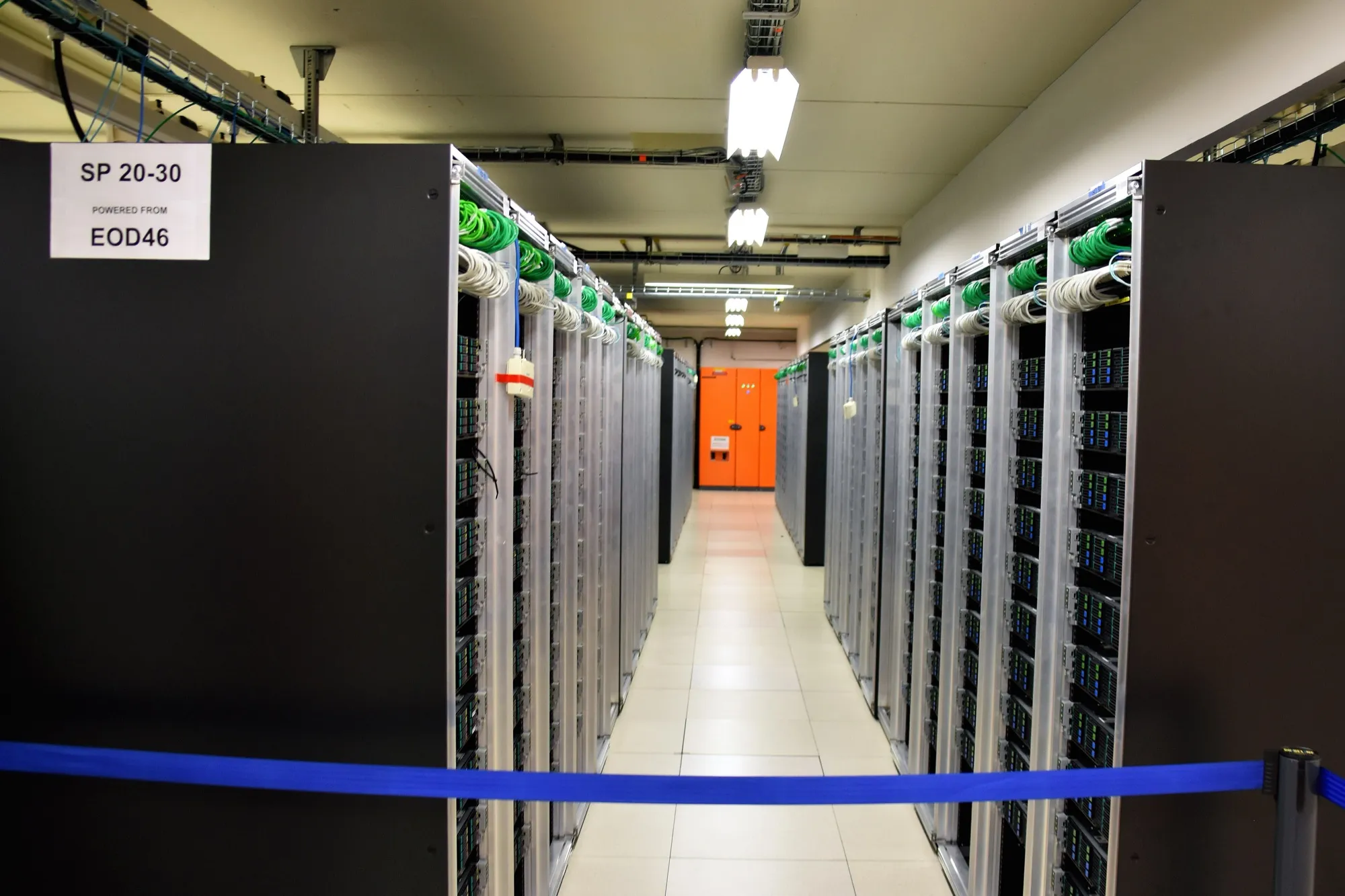
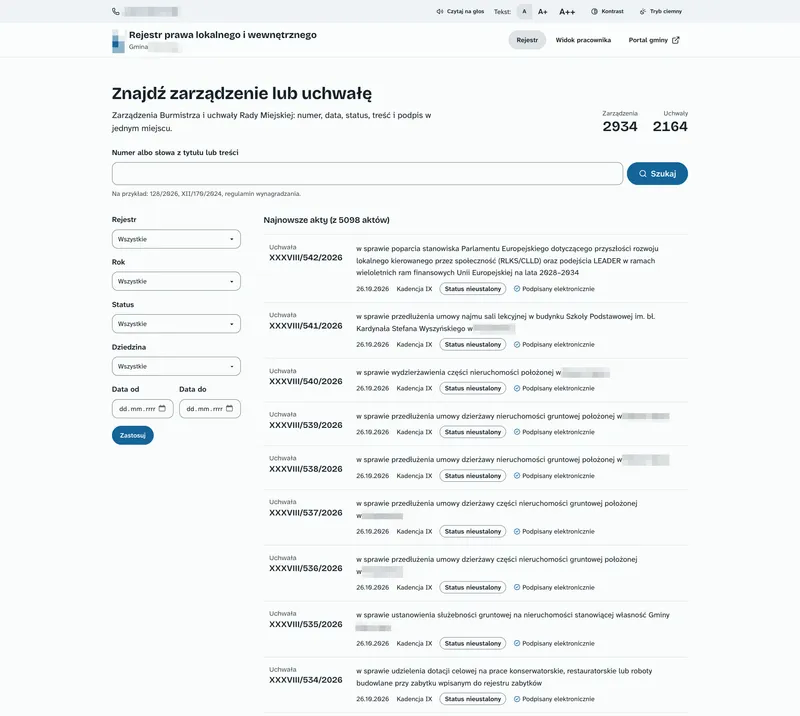
My homelab began with a single home server. Today it consists of four machines, around 125 containers and services that the whole family uses daily, often unaware that they sit in the basement.
The goal is simple: cut yourself off, as far as sensible, from the big cloud providers. Mail, photos, files, passwords and home automation should run on equipment that you control.
 (enlarge)
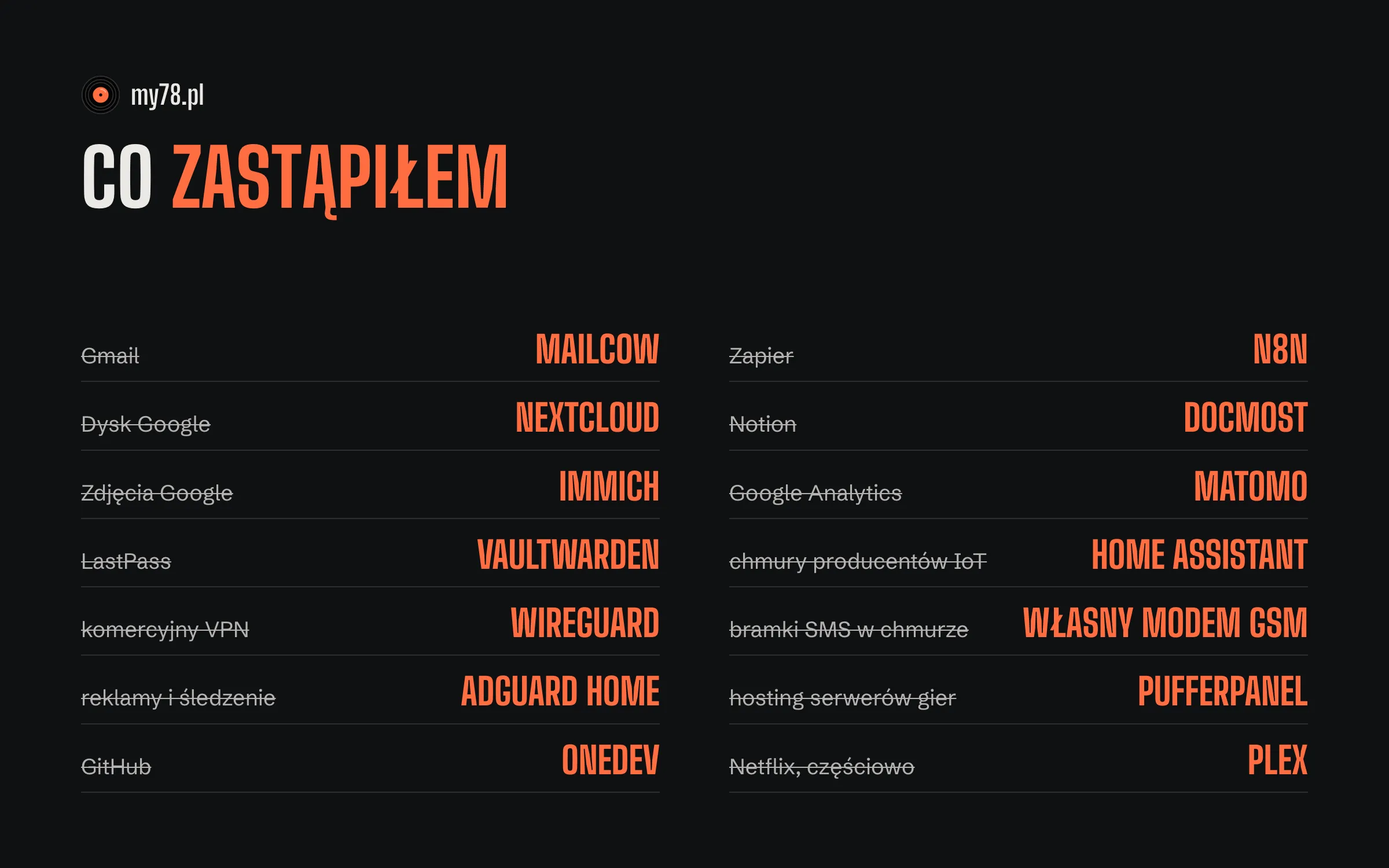
What I replaced
It’s best seen on the list. Each entry is a service that I previously paid for, or one that I “paid” with my data.
 (enlarge)
A few of them deserve a comment:
- Mailcow handles mail for several domains, with correct SPF, DKIM and DMARC records set to reject. Without this, mail from the home IP ends up in spam.
- Immich does the same as Google Photos, including face recognition and content-based image search, but the machine-learning model runs locally.
- OneDev is the heart of all my projects: repositories and CI, from which I deploy portals, information boards and this site.
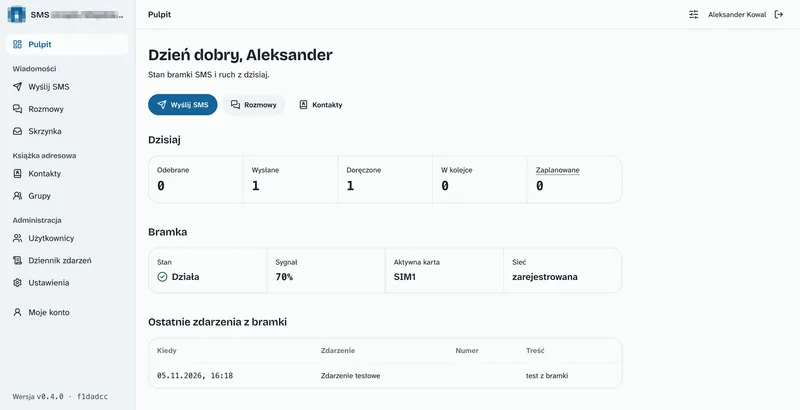
- A dedicated SMS gateway on a GSM modem sends alerts from the systems I described earlier, from church broadcasts to a sign at the bus stop.
Architecture in Layers
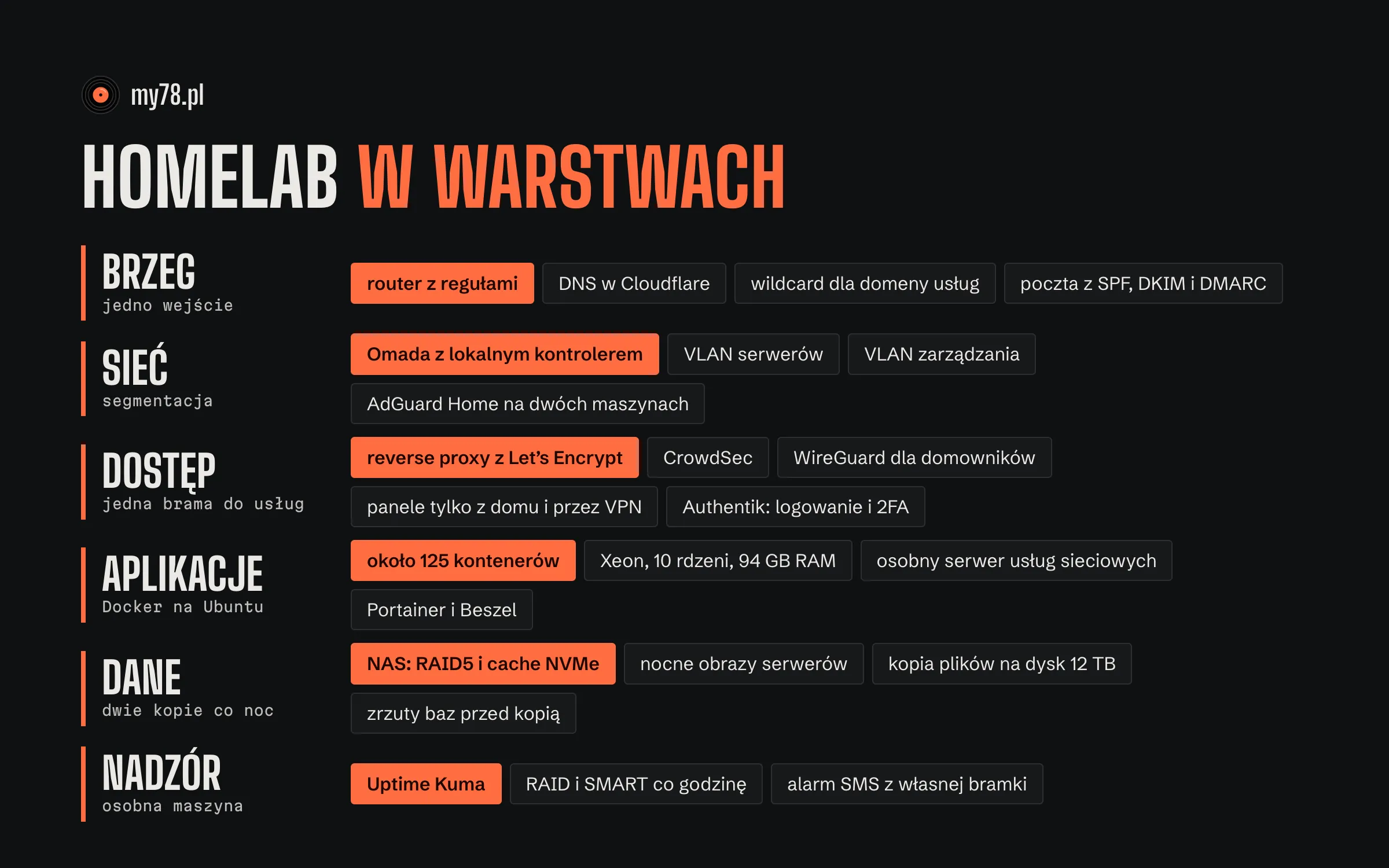
Homelab easily turns into a stack of random containers. It helps thinking in layers: each has one task and does not know the details of the others.
 (enlarge)
Brzeg and DNS
The domains use DNS in Cloudflare, and the services domain has a wildcard record, so a new service does not require any DNS changes. Externally there is only one entry point: a router with ACL rules forwards HTTP and HTTPS traffic to the reverse proxy, and mail to the mail server.
Network and segmentation
The network runs on TP-Link Omada hardware, but the controller operates locally rather than in the manufacturer’s cloud. Servers and management of switches and access points are on separate VLANs. The next step is to segregate IoT devices, cameras and the children’s network, with parental control based on ACL schedules.
DNS in the network are handled by AdGuard Home and Technitium. Ads and tracking disappear on all devices at once, including the TV and console.
Access and protection
- one reverse proxy with Let’s Encrypt certificates for all public services
- CrowdSec analyses proxy logs and blocks addresses on the firewall, also using a shared list of reported addresses.
- Administrative services are only available from the home network or through WireGuard.
- Each service is checked every minute or two by a separate small computer, and any failure is reported via SMS from its own gateway.
Applications
The main server is a modest Xeon with 10 cores and 20 threads, plus 94 GB of RAM. Most containers run on it. A smaller machine handles network services: the controller, proxy, VPN, DNS and SMS gateway. This way a restart of the application server does not cut the house off from the internet.
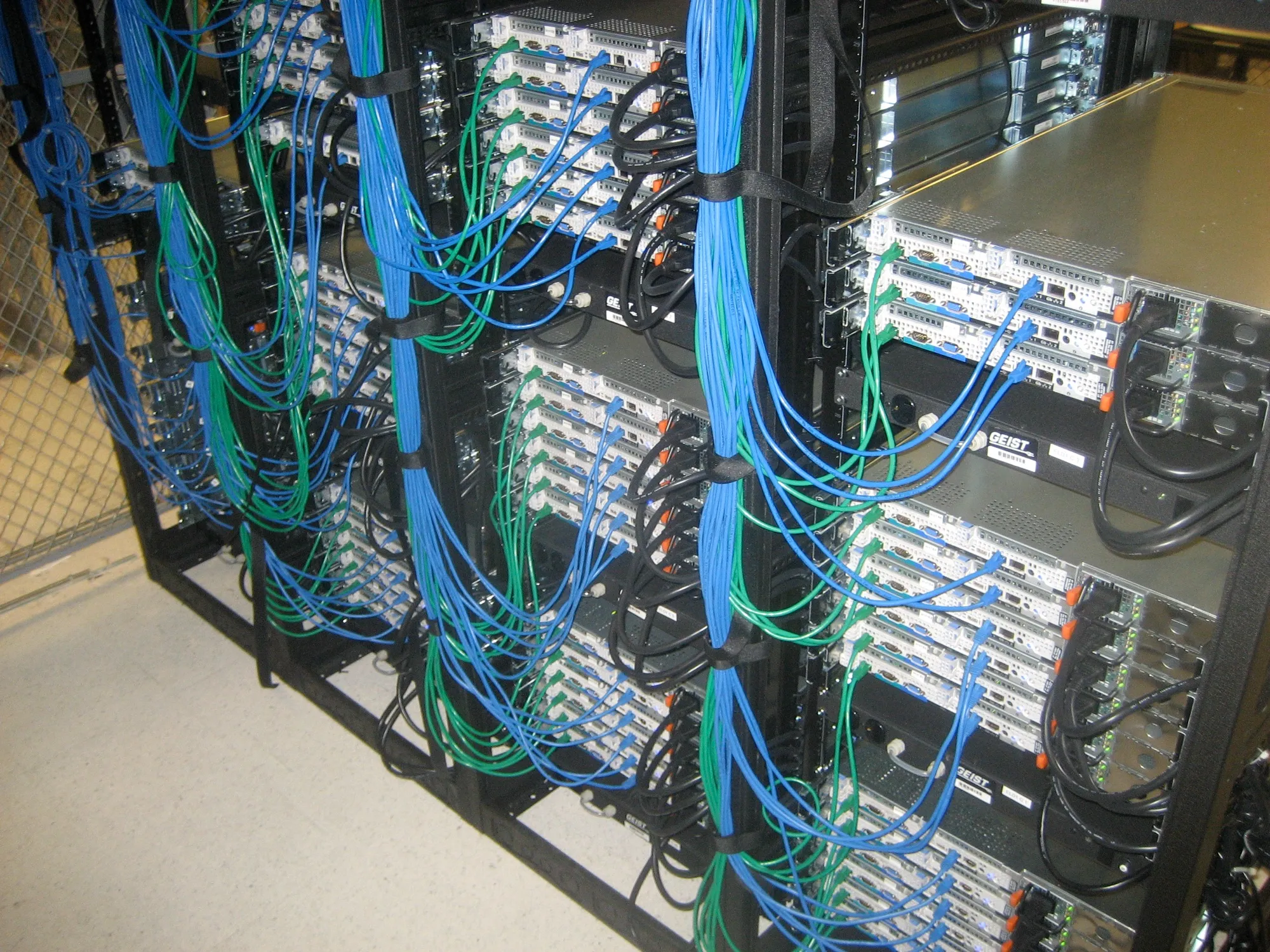
Each service has its own docker-compose catalogue and a simple deployment script, all of which can be seen in Portainer. Beszel displays the load and disk utilisation of all machines in one place.
 (enlarge)
Data and copies
The NAS holds data on a RAID5 array of four drives and uses two NVMe drives in RAID1 for caching. Every night on weekdays it creates full server images, and I set the retention separately for each machine.
Since November a second, independent copy has been running: everyday ordinary files are copied to a separate 12 TB drive in versions from the last days, weeks and months. That drive can be connected to any Linux computer and data recovered without any special software.
The rule I guard most closely is: before any manual intervention, make a copy of the service’s configuration and data. I apply the same principle to every change on this site in production.
What it has taught me
Homelab is the best school of administration, because every mistake hurts personally. A few lessons that have stayed with me longer:
- Monitoring without alarms is just a nice chart. The post office was down for several days before anyone noticed. Today the alarm comes as an SMS after a minute or two.
- Two backup copies cannot read the server at the same time. One night they hung it for five hours, so today one yields to the other.
- A backup that no one has restored is merely a hope. Trial restoration is a fixed point in the plan.
- documentation should be in the repository, alongside the configuration, and it should describe how things are today rather than how they were six months ago.
- The name of a machine is not its hardware. After replacing the computer under the same name, it’s easy to confuse which physical machine is being referred to.
- less is better. Removing the unnecessary overlay on Docker that kept flipping several times a day gave more stability than many new services.
 (enlarge)
Server page: my78.pl
The server has its own website. At the front end, a 78-rpm record spins, which you can pick up and turn. Below is a list of services for families with a brief description of each.
Administrative panels appear on the same page only within the local network and via VPN. The server checks the visitor’s address, so they are not even visible from the internet. The site was built in Astro, and the new version deploys automatically once it is tagged in the repository.
 (enlarge)
Homelab isn’t about saving money. It’s about knowing where my data lives and being able to fix it when it stops working.
Aleksander Kowal
What’s next?
- full segmentation of the network: IoT, cameras and a separate network for children with a time limit
- One account for every household member across all services (SSO).
- trial copy restoration as a recurring task, not a one-off action
- integration of an alarm, energy meter and sockets in Home Assistant without manufacturer clouds.
I describe each layer and application separately in a series of blog posts, starting with the first entry I set up a home server. Why would I need my own cloud.
Stack
- Ubuntu Server, Docker, Portainer, Beszel
- TP-Link Omada with a local controller, VLANs,
- AdGuard Home, Technitium DNS, Cloudflare DNS
- Reverse proxy with Let’s Encrypt, CrowdSec and WireGuard
- NAS with RAID5 and NVMe cache, nightly server images
- Uptime Kuma with SMS alerts, copying files to a USB drive
- Mailcow, Nextcloud, Immich, Vaultwarden, OneDev, n8n, Home Assistant
- Astro (strona my78.pl)
Was this useful?
New posts by e-mail
Every now and then, when a new post or project goes up. No ads.
Got an idea, a question or a comment? Write to me:Enable JavaScript to see the e-mail address
Comments
No comments yet. Be the first.