
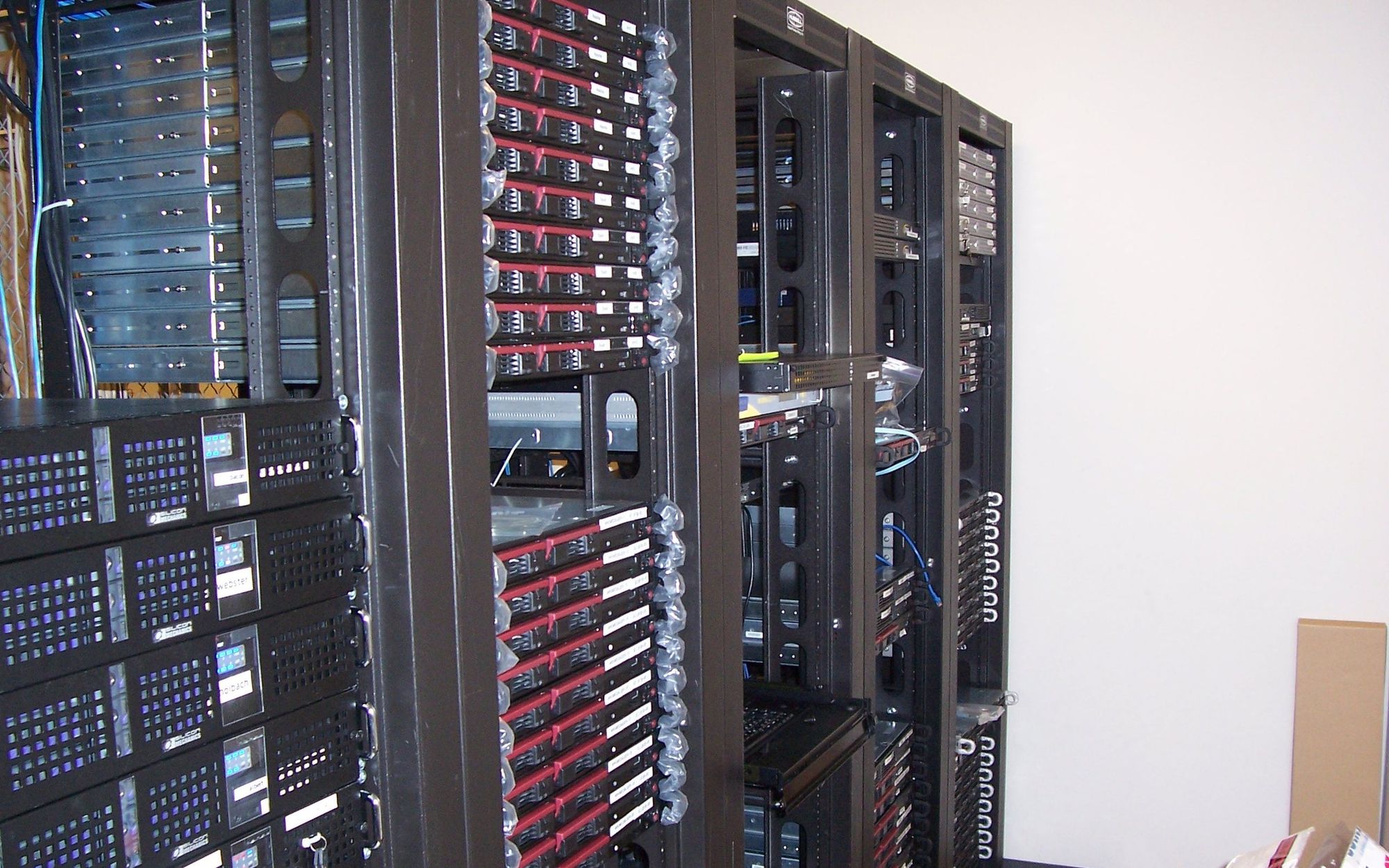
Homelab: Building Your Own Cloud at Home
26/10/2026
My Homelab started with one home server and has now grown to several machines, dozens of containers, and services that the whole family uses daily - often without realizing they're located in the basement.
The goal is simple: to cut off, as reasonably as possible, from the big cloud providers. Email, photos, files, passwords and home automation should all work on hardware that I have control over.
What I Replaced
This is best seen on the list. Each item represents a service I used to pay for or ‘pay’ with my data.
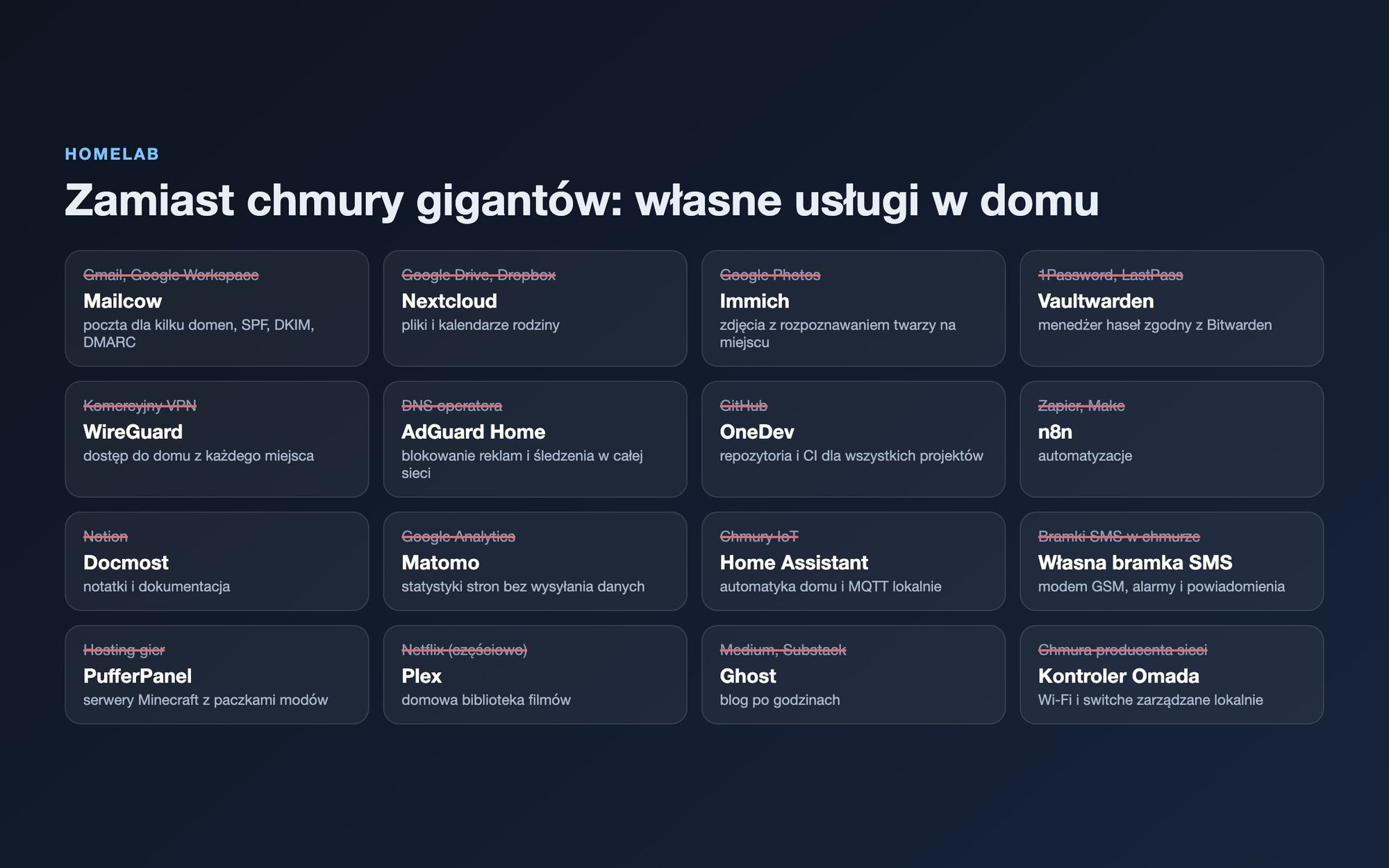
A few of them deserve a comment:
- Mailcow handles email for several domains with correct SPF, DKIM and DMARC records in the reject mode. Without this, emails from a home IP end up in spam.
- Immich does the same as Google Photos, including face recognition and image content search, but the machine learning model runs locally.
- OneDev is the heart of all my projects: repositories and CI that I use to deploy portals, dashboard sites, and this website itself.
- My custom SMS gateway on a GSM modem sends alerts from the systems I've previously described, ranging from church broadcasts to bus stop displays.
Layered Architecture
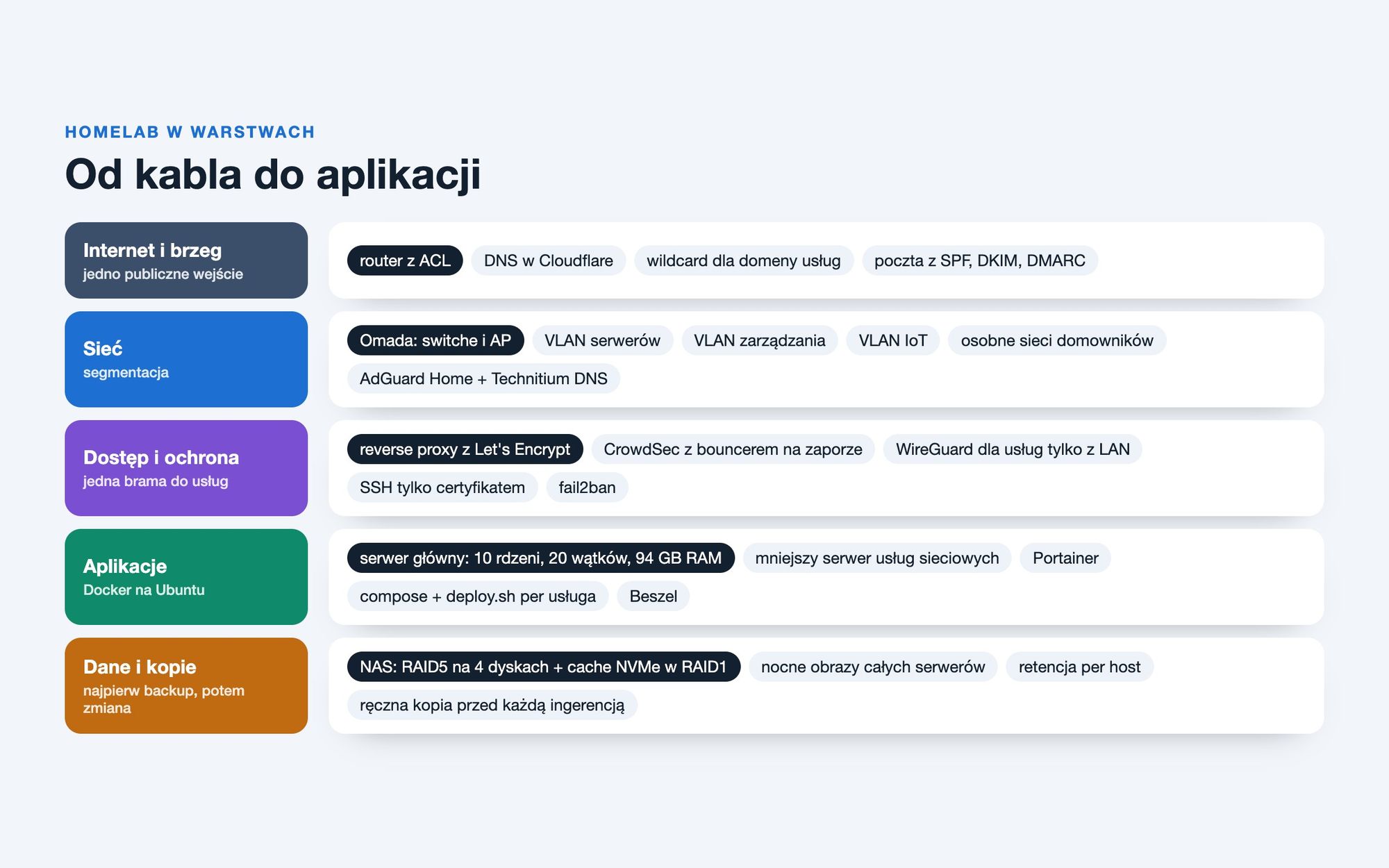
Homelab can easily turn into a pile of random containers. Thinking in layers helps: each layer has one task and doesn't know the details of the others.
Edge and DNS
The domains have DNS in Cloudflare, and the service domain has a wildcard record, so adding a new service doesn't require changes to DNS. Externally, there is one entry point: the router with ACL rules forwards HTTP and HTTPS traffic to the reverse proxy, and email to the mail server.
Network and Segmentation
The network is based on TP-Link Omada hardware, but the controller runs at my place, not in the manufacturer's cloud. The servers and management of switches and access points are on separate VLANs. The next step is to isolate IoT devices, cameras, and a separate network for kids, with parental controls based on ACL scheduling.
My home network's DNS is handled by AdGuard Home and Technitium. Ads and trackers vanish simultaneously on all devices, including the TV and console.
Access and Protection
- one reverse proxy with Let's Encrypt certificates for all public services,
- CrowdSec analyzes proxy logs and blocks addresses on the firewall, also using a shared list of reported addresses,
- administrative services are only accessible from the home network or via WireGuard,
- SSH logging in only with a certificate, without passwords.
Applications
The main server is an old Xeon with 10 cores and 20 threads, along with 94 GB of RAM. Most containers run on it. A smaller machine handles network services: the controller, proxy, VPN, DNS, and SMS gateway. This setup ensures that restarting the application server doesn't cut off internet access at home.
Each service has its own directory with a docker-compose file and a simple deployment script, and everything is visible in Portainer. Beshel displays the load and disk usage of all machines in one place.
Data and Backups
My data is stored on a NAS with a RAID5 array across four disks and an NVMe cache on two disks in RAID1. Every night during workdays, it performs full backups of all servers, and I set the retention period individually for each machine.
And the rule I stick to most strictly: before any manual intervention, a backup of the service configuration and data. I actually apply the same principle for every change made to this site in production.
What I Learned From It
Homelab is the best school of administration because every mistake hurts personally. A few lessons that have stayed with me for longer:
- monitoring without alerts is just a nice graph. Once the mail server didn't work for several days before anyone noticed. That's why SMS alerts for every service are now the first point in the plan,
- a backup that no one has ever restored is just hope. Test restores are a permanent part of the plan
- the documentation should be in the repository alongside the configuration and describe the current state, not what it was six months ago,
- the name of the machine is not the hardware itself. After exchanging a computer under the same name, it's easy to get confused about which physical machine you're referring to,
- less is more. Removing the unnecessary layer on top of Docker that crashed several times a day has given me more stability than many new services.
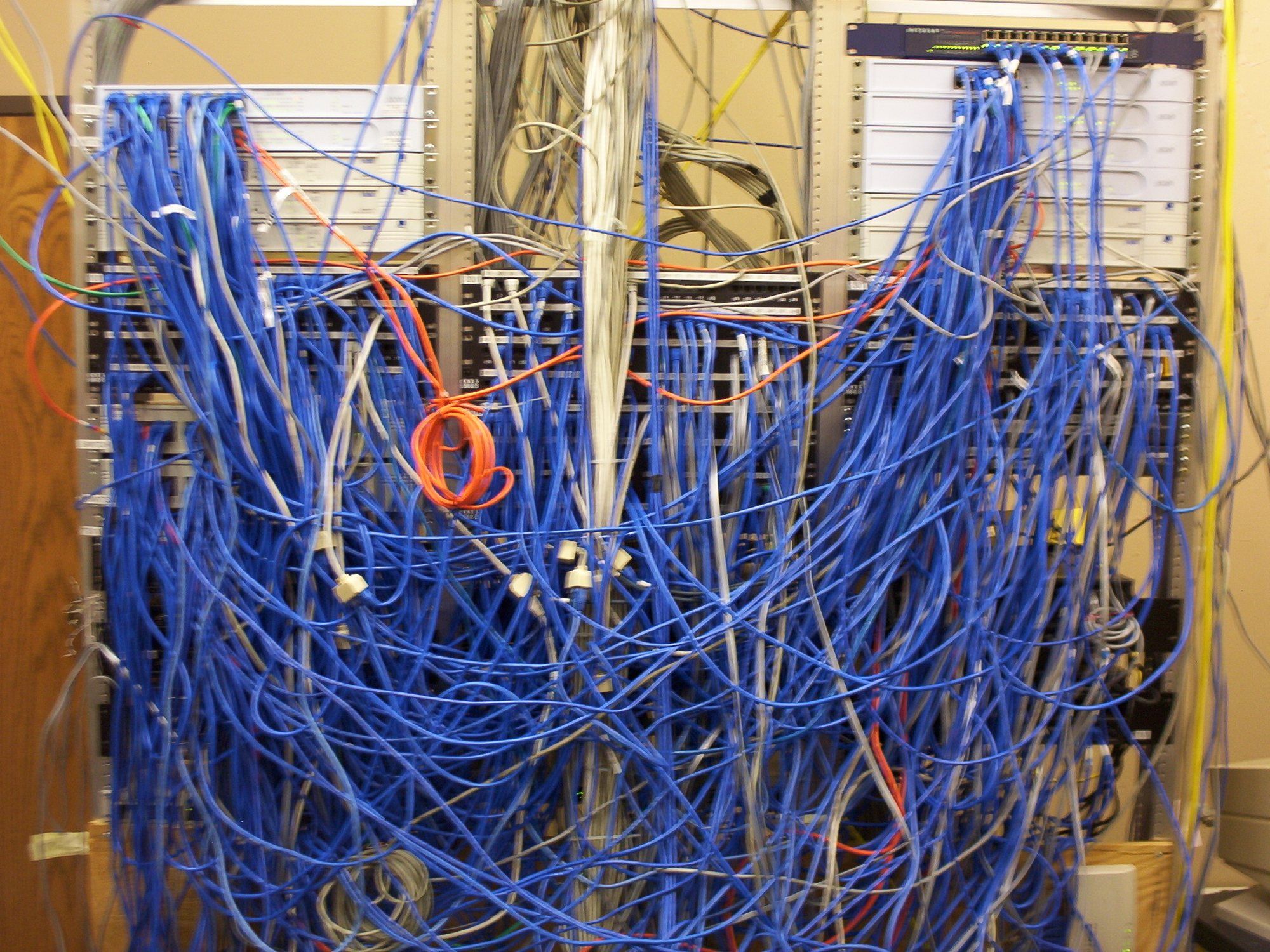
Homelab isn't about saving money. It's about knowing where my data is and being able to fix it when something goes wrong.
- Aleksander Kowal
What's next
- full network segmentation: IoT, cameras and a separate network for kids with time limits,
- SMS alerts for each container and each backup task,
- testing the backup playback as a cyclical task rather than a one-time action,
- integrating the alarm system, energy meter, and smart plugs into Home Assistant without relying on manufacturer clouds.
Stack
- Ubuntu Server, Docker, Portainer, Beskel,
- TP-Link Omada with a local controller, VLANs,
- AdGuard Home, Technitium DNS, Cloudflare DNS,
- reverse proxy with Let's Encrypt, CrowdSec, WireGuard,
- RAID5 NAS with NVMe cache, nightly server snapshots,
- Mailcow, Nextcloud, Immich, Vaultwarden, OneDev, n8n, Home Assistant.